Type text without a shift key for consonants and subscript signs. Predict words as you type. Access over 600 emojis. Swipe left to delete characters. Enable efficient typing on smartphones and tablets.
A utility for managing VPN connections. Add configurations via link or QR code. Test latency and sort connections. Delete failed entries. Toggle TLS allowInsecure. Pull down to refresh. Swipe edges to navigate. Receive push notifications.
Record memos with high-quality audio. Capture unlimited length recordings. Record in the background while using other apps. Organize and manage files. Export audio in multiple formats. Share recordings directly.
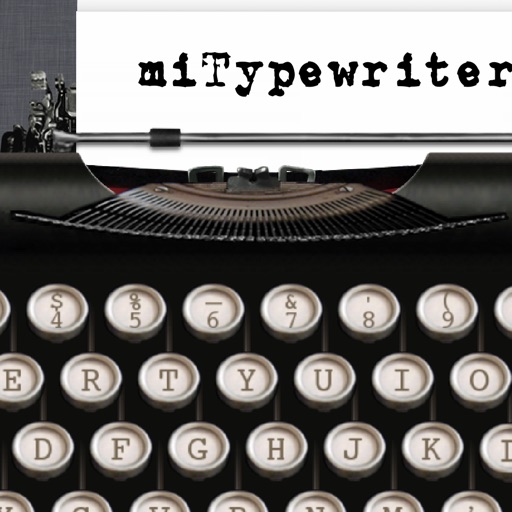
The app presents a typewriter interface on an iPhone or iPod Touch. Users can manage documents, email content as text or images, and utilize features like a backspace key and external keyboard support.
Type Chinese and English without switching keyboards
Allows mixed Chinese and English input without switching keyboard layouts. It supports multiple Chinese input methods including Cangjie, Shuying, Cantonese拼音, and Pinyin.
Allows users to scan barcodes and QR codes. Sends real-time keystrokes to a computer via . Supports CSV file exports for scanned data. Enables keyboard emulation without copy-paste. Connects to computers on the same network.
The app turns a phone into a wireless mouse, keyboard, and trackpad for a computer. It allows control of a PC, Mac, or Linux device over a local network connection, offering features like remote media control and file browsing.
Add custom keyboards with over 1000 Japanese emoticons, 200 Kawaii Faces, 2000 Cool Symbols, and 50000 Unicode Characters. Switch between layouts and input methods. Share themes and customize key appearances.
Allows users to connect to home computers, network drives, and cloud storage. They can browse files quickly, move, edit, delete, and rename files. Organize files across devices and access remote storage seamlessly.
Perform calculations with decimal points or commas. Correct entries using a backspace key. View calculation history in a display log. Switch between light and dark themes. Receive regular updates with new features.