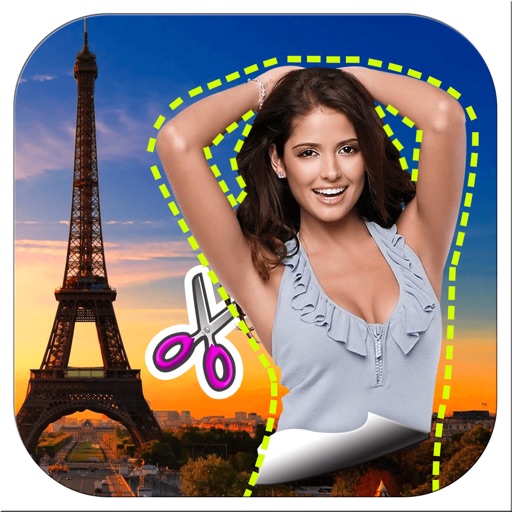
Remove backgrounds from photos using automatic eraser with machine learning. Identify and isolate people, animals, vehicles, and objects. Erase single-color backgrounds for chroma key effects. Manually adjust erased areas for precision.
Edit images to remove backgrounds and create transparent images. Use zoom for precise edits. Cut out objects and save as stickers. Export for use in presentations, documents, and image editors.
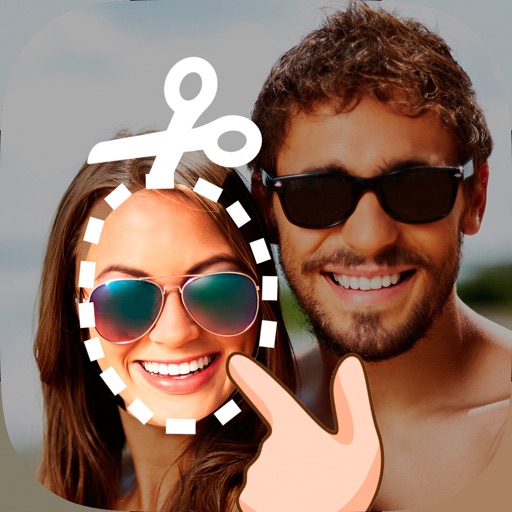
Edit photos by cutting and pasting faces, removing backgrounds, and deleting unwanted people. Add missing faces to photos. Use the silhouette head tool to select and edit elements. Export edited images directly.
Edit photos with AI-powered filters, morphing, and style transfer. Create anime characters, cartoon avatars, or professional portraits. Transform photos into videos with AI animations, pet interactions, or dramatic effects.
Create images using generative AI based on text input. Edit photos by removing backgrounds and erasing distractions. Design personalized cards, wallpapers, and other visual content. Export and share finished projects.
AI photo editor allows users to remove objects, people, and text from images. Change backgrounds and retouch photos with AI tools. Edit faces and create avatars. Export edited images in various formats.
Edit photos and videos with AI-generated anime styles, including facial enhancements and background effects. Apply filters, adjust colors, and add animated elements. Export edited content in various formats and share directly.
Create videos by importing footage from gallery or recording new content. Crop, rotate, pinch-zoom, and set custom background colors. Merge unlimited videos into a single timeline.
Remove backgrounds from photos using AI-powered erasing. Select and isolate subjects with precision. Adjust edges and refine details. Export edited images in various formats. Share directly or save to device storage.
Edit photos with AI-powered retouching, facial enhancements, and background blur. Adjust lighting, color, and composition. Export in high-resolution formats and share directly.
Remove backgrounds from images by drawing a closed curve. Automatically erase similar color areas for transparent results. Adjust brush size for precise edits. Pan, zoom, and rotate images.
Edit photos using voice commands to describe desired changes. Animate static images to motion. Test virtual haircuts and styles on photos. Save and share edited images directly.
Create 3D scenes with 360° technology. Replace backgrounds with virtual environments. Move freely within scenes to capture photos and videos from multiple angles. Adjust lighting to match real-world conditions. Import photos to use as backgrounds.