Apply glow effects to photos with adjustable filters. Add customizable light trails and neon highlights. Share edited images directly to social media or messaging apps. Adjust brightness and color temperature for enhanced visuals.
by oli boler★ 4.396 ratingsUtilitiesFreeData updated 2026-09-06
Create collages using over 50 templates. Customize layouts, add text, and include photos or videos. images with filters, cropping, and manual adjustments. Shoot photos with manual camera controls. Export and share edited content in various formats.
Create collages by selecting photos and arranging them in customizable layouts. Choose from 200+ frames and templates. Adjust colors, borders, and backgrounds. Edit photos with crop and enhancement tools.
Edit photos with effects, frames, and stickers. Adjust color balance and brightness. Crop, rotate, and straighten images. Add text and drawings. Remove blemishes and whiten teeth. Create memes and apply sharpening or blurring.
The app allows users to create photo and video collages with customizable layouts and enhancements. Users can add text captions, filters, and borders, and import media from various sources.
Edit photos with motion , bokeh lens, and mosaic effects. Adjust brightness, contrast, and color. Crop images to various sizes. Share edited photos directly. Apply to the entire image, background, or specific faces.
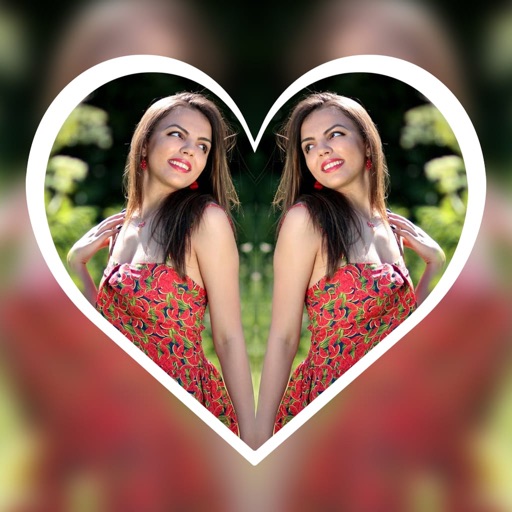
Create reflection effects with left-right, up-down, or repeat options. Apply effects and designer frames to enhanced images. Select from gallery or capture new photos for editing. Export and share edited images.
Edit photos using 100+ filters and textures. Capture photos with one tap for authentic film-like results. Apply instant effects and choose from 60+ textures. Export edited photos in various formats and share directly.
Edit photos with automatic brightness, contrast, and saturation adjustments. Apply like blurred, sketch, sepia, and vintage. Share edited images directly to social media.
Capture photos with filters and adjust sensitivity for creative control. Save and share edited images directly to device storage or social media. Use an intuitive interface to edit without technical barriers.
Record vocals by importing songs from the music library and tapping record. Apply effects like Delay, Reverb, Filters, EQ, and Compressor to enhance audio. Export and share the final recording.
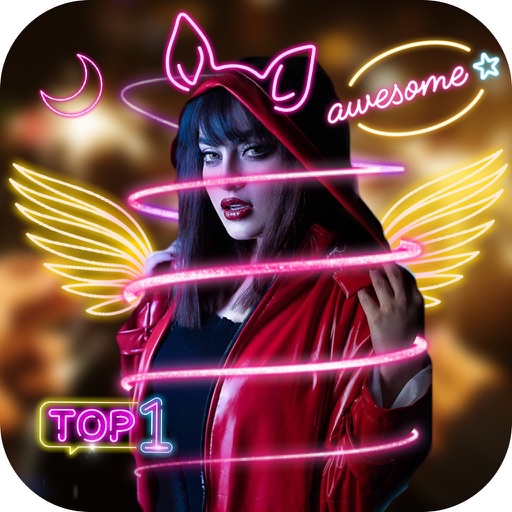
Edit photos with glowing effects and stickers. Add geometric shapes, spiral designs, and lightening effects. Adjust brightness and contrast. Share edited photos directly from the .
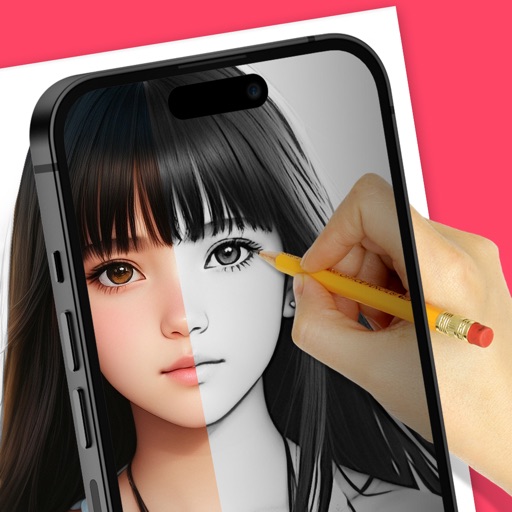
Trace images to create sketches or drawings. Adjust line thickness and brush styles. Use an eraser tool. Apply filters to images. Select from gallery or take new photos. Draw on paper with phone held 1 foot above.
Edit photos with detailed controls including frames, filters, contrast, brightness, and saturation. Adjust images to create a classical atmosphere. Apply effects and save changes to the device's photo album.
Edit photos with filters, cropping, and adjustment tools. Add text, stickers, and borders. Export in various formats and share directly. Apply advanced effects and retouch skin tones. Adjust brightness, contrast, and saturation.
And paint with a variety of tools including pens, lines, arrows, rectangles, ellipses, and text. Apply effects, adjust colors, and use filters. Crop, enhance, and add stickers to artwork.
Browse and view saved photos and videos. Share individual media files. Apply real-time visual effects like , X-Ray, Neon, and Night . Edit photos and videos with instant filters. Snap photos and videos with enhanced visual styles.
Edit photos by flipping, rotating, cropping, and applying filters. Use AI to suggest optimal filters. Flip images live during camera use. Batch edit multiple photos and save directly to the library.
Measurements to adjust height, slim figure, or enhance curves. Modify waist size, skin tone, and proportions. Export edited images in various formats and share directly.