Watch social videos from shared links in without downloading apps. Remove tracking details to view content privately. Clean video and profile pages for focused viewing. Share videos directly from the browser.
Blocks YouTube recommendations, Shorts, and comments to reduce distractions and encourage independent thinking. Allows users to customize blocked content and manage settings within . Does not block advertisements.
, trackers, and YouTube video ads to enhance browsing speed and reduce distractions. Toggle ad blocking on or off. Prevent banners and other intrusive content from loading. Improve website performance by reducing unnecessary data requests.
Block distracting elements on websites like YouTube, Facebook, and Instagram. Hide videos, comments, and other attention-grabbing content. Temporarily disable interference to improve focus and productivity.
Play videos in Picture-in-Picture mode via Safari. Use an in- browser with Now Playing bar to browse while listening. Control playback and manage video settings directly within the browser.
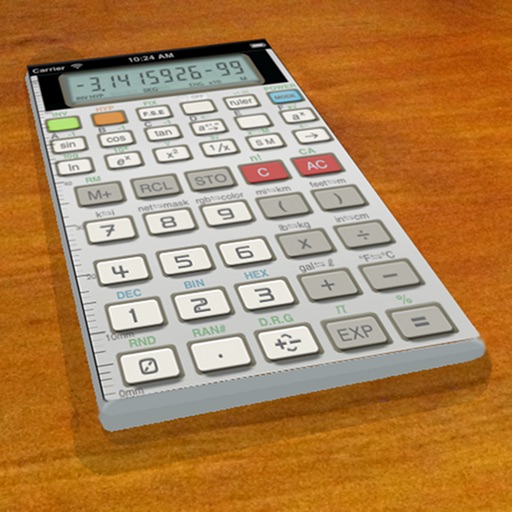
A vintage-style scientific calculator with a retro LCD display and realistic key sounds. Perform basic and advanced calculations, use shift functions, and access additional modern features like parentheses and memory storage.
Create and organize tasks using custom folders. View tasks in calendar format to manage deadlines. Add home screen widgets for quick task access. Set reminders and prioritize items to stay on top of responsibilities.