
iPhone Screenshots




Description
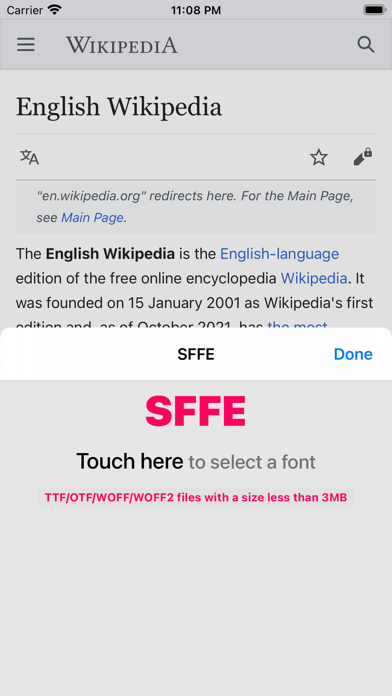
Change the font of the Safari web browser to the font you want.
* Go to Settings - Safari - Extensions menu and enable it.
* After enable, launch the Safari app and press the puzzle icon to enter the extension settings.
* Small size WOFF(Webfont) file recommended. Large font files may take some time to load.
* Please send feedback([email protected]) if the font is not displayed.