Activity with real-time network speed and data tracking. Track battery performance and storage . View detailed hardware specifications. Customize 21 home screen widgets and lock screen widgets for quick access to key metrics.
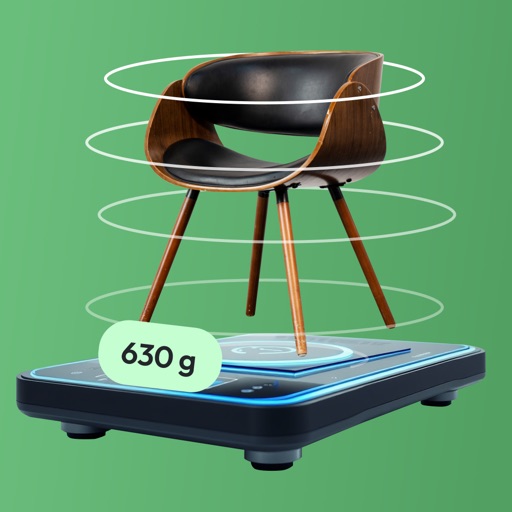
Estimate object weight using AI-powered photo analysis. Capture images to get weight in . Set weight targets and track progress over time. Share results via email or social media.
Take notes during gameplay with 90 FPS and 120 FPS support. Capture screenshots and screen recordings. Share notes and recordings directly. Sync notes across devices.
Displays real-time CPU load and individual core activity. It shows system information, historical usage graphs, and temperature tracking. Users can view process details, run benchmarks, and identify performance issues.
Display system information, CPU details, memory size, and device model. Show firmware data and identify SoC. Provide diagnostic insights for iOS devices.
Measure object dimensions with camera using AI-powered image analysis. Capture and analyze multiple objects in a single photo. Save and share measurement data. Convert units between inches, centimeters, and feet.
Capture and scan objects or spaces to create detailed 3D models using camera zoom, auto-timer, and manual focus. Scan areas by walking with a mini-map, interactive camera views, and real-time raytrace preview.
The app offers tools for scale model builders, including paint charts and material catalogs. Users can mix paints, manage projects, and utilize an optional inventory module for tracking supplies.
View real-time video feeds from P2P network cameras installed at home or office. Capture images and record videos. Access camera settings and manage connected devices. Receive notifications for motion detection or alerts.
Log details, track usage, and record maintenance for models. Use QR codes to quickly log flights and batteries. Monitor fuel consumption for nitro and gas models. Support multiple model types including planes, drones, and helicopters.
Enhance low- photos with real-time amplification. Adjust between amplification and exposure modes. Capture details in twilight with up to one-second exposure. View enhanced images instantly without additional hardware.
Enable printing from mobile devices by detecting and configuring connected printers. Select print options based on printer model. Print documents, photos, and labels. Create storage labels and handbooks directly.
View 3D models of a linear stage during maintenance and repair. Tap, scale, and rotate the model to explore components. Watch animations illustrating step-by-step processes. Navigate through interactive demonstrations.
Set a for seconds before capturing photos. Automatically take photos at the designated time. Ideal for group shots and family photos. Adjust duration and trigger capture remotely.
Track history with detailed records of services, parts, and costs. Set and manage service due dates. Archive completed vehicles. Add information including VIN, license plate, and odometer readings. View schedules and update details.
Design lenses, simulate optics, control components
Model 2D lenses and mirrors with precise control over shape and placement. Design aspheric surfaces and perform geometric ray tracing. Conduct sequential and non-sequential analysis. Calculate front and back focal lengths and principal surfaces.