Measure altitude using barometric pressure without GPS. Display real-time altitude readings. Track pressure changes over time. Set altitude alerts. Sync with Apple Watch for stand-alone use.
The app calculates and interpolates performance data for the Cessna 172 S using its Pilot's Operating Handbook. It displays results in high-resolution graphics and allows users to experiment with different scenarios to find optimal flight parameters.
Track flight altitude, speed, and heading in real time. Monitor waypoint progress and adjust flight path remotely. Control simulated flights via plugin integration. View navigation data wirelessly from a mobile device.
The app allows users to explore the Boeing 757 flight deck interactively. Users can tap on controls to learn their functions and understand system operations, aiding in pilot training and familiarization with the aircraft.
Display data from wireless devices like iLevil3 or B.O.M. alongside navigation apps. Customize instrument panels and arrange modules for real-time flight information.
Access aviation regulations and manuals including Titles 14 and 49 CFR and the Aeronautical Information Manual. View pilot/controller glossary terms. Receive free updates. Search and bookmark sections for quick reference.
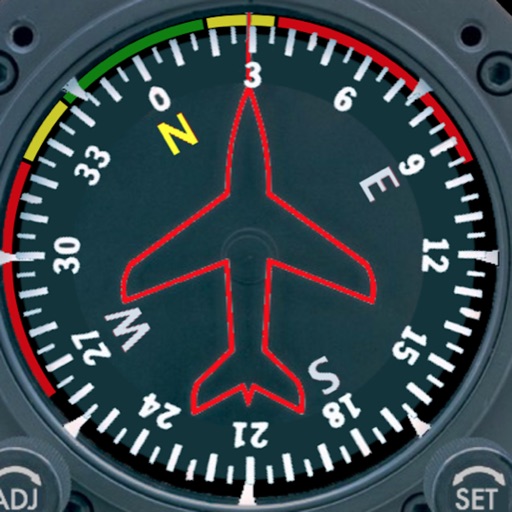
Displays a photorealistic -style indicator with both analog and digital readouts. Users can toggle rotation lock, simulate the instrument indoors, and view improved graphics. Supports latest iOS versions and includes bug fixes.
Navigation provides real-time positioning using iPhone/iPad sensors. Displays maps and routes. Offers -and- interface. Uses digital filtering and stochastic models for accuracy. Only functions in airplanes.
Access FAA Private Written Exam practice tests and an E6B flight computer for cross-country planning and aircraft performance calculations. Offline ground school content is available for offline learning.
Learn about the Boeing 737 MAX with interactive exploration of switches, screens, and panels. Tap to navigate through the flight deck. Access detailed explanations of systems and instruments.
Learn to navigate flight displays and engine systems through simulated touch and bezel interactions. Explore HSI Map zoom gestures and split-screen PFD/MFD modes. Familiarize with interface elements before actual use.