Convert photos, live photos, videos, and burst photos to GIFs or videos. Adjust playback speed, set loop count, and choose export size. Add background color in supported modes. Export and share the final result.
Edit photos by adding custom logos. Choose from Square, Landscape, or Portrait formats. Import images from the photo library. Add custom text to create a . Adjust font, size, rotation, and color. Position the anywhere on the canvas.
The app converts HD and SD video between many formats, supporting 4K resolution. It optimizes video files for Mac editing programs and converts files quickly without quality loss using SuperSpeed mode.
Create GIFs by loading a or recording a new one. Select a time range, start, and end points. Preview the selected segment. View GIF specifications at the end of the main window. Tap and hold to save the GIF to the gallery.
The app adds timestamps to photos and videos, preserving original resolution and quality. Users can customize time format, font, color, size, and position for clear record-keeping.
Convert videos to GIFs by trimming, adjusting playback speed, and configuring loop or reverse playback. Set output size, aspect ratio, and image quality. Export customized GIFs directly.
Edit GIFs by cropping, resizing, and adjusting speed and timeline. Create boomerang effects and meme-style animations. Export and share customized GIFs directly.
Convert photos to style with 16 customizable masks. Adjust colors and settings for detailed control. Save high-resolution artwork for print. Share creations socially. Supports iPhone, iPad, and iPod touch.
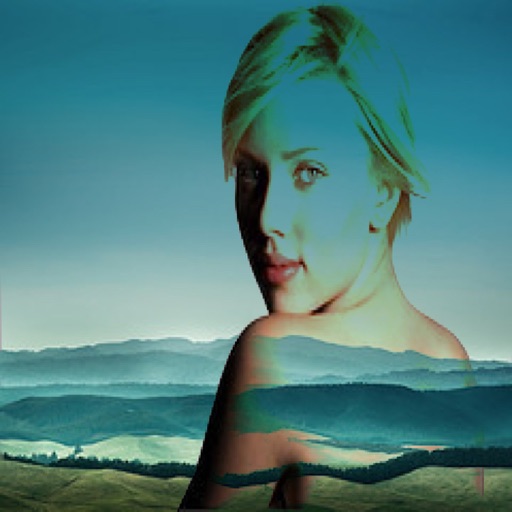
The app allows users to combine two images using various blend modes. Users can select photos from their device or the web and adjust layer transparency.