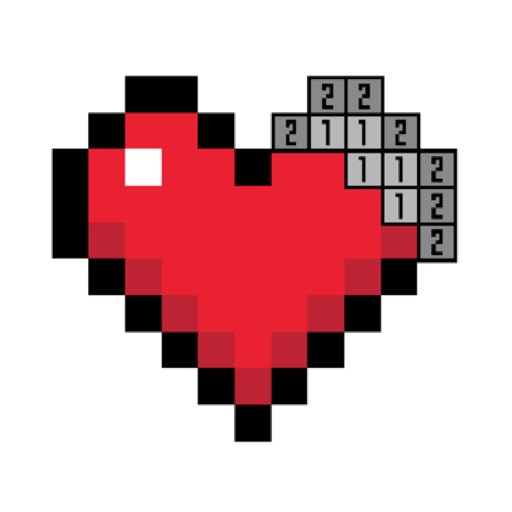
The app allows users to create pixel art using four different shapes: squares, circles, diamonds, and triangles. Users can export their designs as high-resolution PNG files.
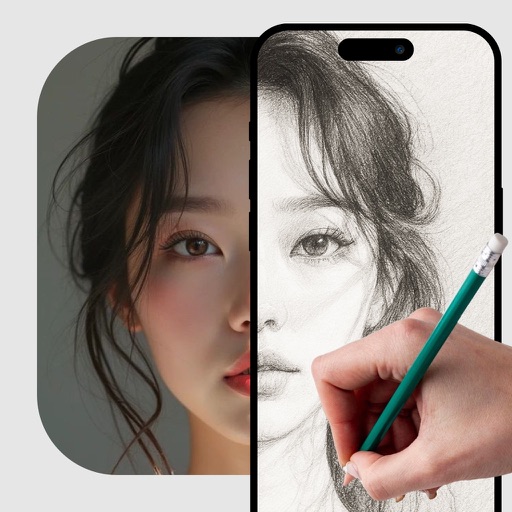
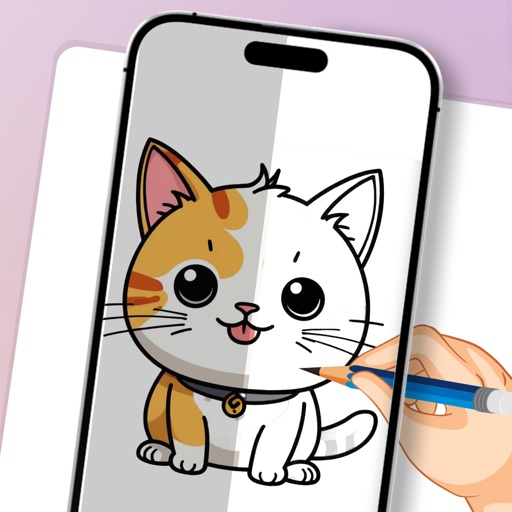
Use camera to project image outlines onto paper for tracing. Choose images from gallery or collection. Follow lines to practice sketching. Suitable for beginners, artists, and students. Improve hand-eye coordination.
LUNAPARK MEDYA INTERNET TEKNOLOJILERI SANAYI VE TICARET ANONIM SIRKETI
Generate logos from text descriptions
Create logos by describing your vision. AI generates professional designs instantly. Customize colors, fonts, and styles. Export logos in multiple formats and share directly.
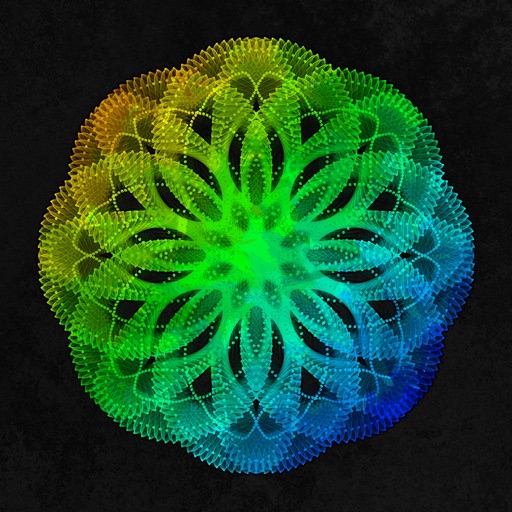
Create mandala paintings using vector-based tools. Zoom smoothly for precise details. Choose from various colors and brush styles. Save and share drawings directly. Adjust layer settings for customization.
Create Instagram stories with 3000+ templates across styles like Film and Ripped Paper. Add 500+ post templates in various ratios. Use 300+ animated templates for dynamic content. Design highlight covers with 500+ options.
Convert photos into , anime, or artistic styles with 80+ AI-powered templates. Select a style, upload a photo, and generate a transformed image in seconds. Export and share the result directly.
Create and generate images, videos, and Genmoji emojis from text prompts. Choose from various artistic styles. Download and share generated content. Train custom models for personalized generation.
Create art with layers, animation, and onion skinning. Import color palettes from Lospec or use built-in options. Zoom with pinch, draw with tap, and view mini-previews while dragging. Sync with Aseprite for file transfer.
Learn to sketch figures and garments with step-by-step guidance. Create and manage layers for detailed illustrations. Use AI tools to generate clothing and accessories in specific styles. Add body types including models, women, men, and plus size.
Create art with a complete toolset including layers, timelines, and advanced coloring. Edit spritesheets, GIFs, and game assets. Use touch or pen for optimized drawing. Render with high-performance Metal technology.
Create and edit drawings using augmented reality. in real-time with touch or stylus. Adjust colors, brush sizes, and opacity. Share drawings directly or export as images.
Create colorful designs using art effects with 48 unique brushes and 48 shapes across six categories. Use symmetry and inverse drawing modes for creative effects. Apply dynamic textures and -off particles for realistic results.