Add to or images automatically. Choose or take an image, apply a caption, and share or save the result. Supports sharing to , , Twitter, and other platforms.
Edit photos with filters, cropping, and adjustments. Access portrait mode, double exposure, and manual settings. Scan high-resolution films. Share images via social media. Participate in photography challenges and view community submissions.
Create and share humorous photos with customizable faces, text, and comic bubbles. Add filters and effects. Edit images with built-in and text tools. Share directly to social media or messaging apps.
Faces in photos and videos using AI technology. Apply funny filters and edit images. Generate AI avatars and create -swapped content. Preview hairstyles and edit photos with customizable effects. Share finished content directly.
Create animations using LEGO, clay, drawings, or everyday objects. Record frame-by-frame videos, adjust timing, and add sound effects. Export films in various formats and share directly.
Edit photos by adding speech bubbles with 15 styles and customizable colors and fonts. Create collages with comicbook-style layouts. Share photos directly from the . Drag, rotate, and pinch elements for editing.
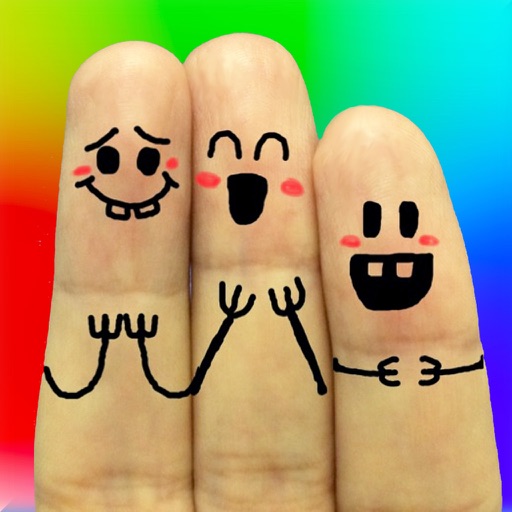
The app allows users to create finger faces using photos from their camera roll or by taking new pictures. Users can add faces, items, stickers, and text, or draw their own creations.
Create collages using hundreds of templates. Arrange images in custom layouts. Add text, stickers, and effects. Export and share directly to Instagram. Design carousels with seamless transitions. Edit photos with cropping and filters.
The app provides over 3200 unique rage faces and over 380 camera booth stickers. Users can add faces to messages, search for specific faces, and import their own images.
The app allows users to add text captions to photos and share them. Users can select from 78 custom fonts and 41 layer effects, including banners, thought bubbles, frames, and emojis, to enhance their captions.
Photos and videos using AI to expand images, remove objects, and replace or blur backgrounds. Enhance image quality, restore old photos, and create AI-generated scenes. Share edited content directly to Instagram.
Create collages and grids from photos and videos. Choose from 100+ templates or design custom layouts. Add frames, adjust elements, and save or share finished projects. Export for print or social media platforms like Instagram and TikTok.
Create animations using LEGO, clay, drawings, or everyday objects. Record frame-by-frame footage. Adjust timing, add sound effects, and export videos. Share directly to social media or email.
Create videos and photos with dynamic movement and sound . Apply pre-designed to photos, videos, or slow-motion clips. Customize during recording or import existing media. Share edited content directly.