Edit photos by applying brushstroke-based styles ranging from realist to impressionistic. Choose from five levels of impressionism. Generate animations for artistic reference. Save and share edited images.
Create pixel art with automatic double pixel removal for precise line art. Use round, square, and matrix dither brushes. Draw lines locked to isometric angles. Create rectangles and ellipses. Manage layers for animated projects.
With AR to images or text on real surfaces. Use guided frames for beginners. Create sketches and color them. Export artwork in various formats. Sync projects across devices.
Turn real-world images into sketches using . Capture photos and apply freehand artwork with intuitive tools. Edit and refine sketches directly on the canvas. Share finished drawings via social media or email.
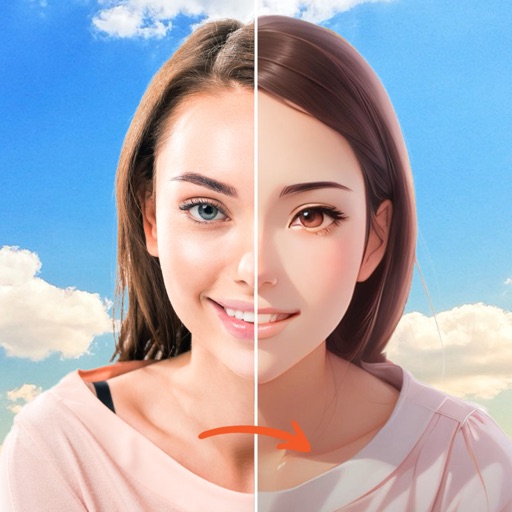
Turn photos into studio-quality images with AI enhancements. Create animations and face expressions. Apply artistic styles like 3D and sketch-to-realistic. rtistic emojis and animated faces from selfies. Export and share transformed images.
Create original artwork, avatars, and posters using text prompts and multiple styles. Generate AI videos from photos with instant editing tools. Design emojis and portraits with customizable options.
Create videos with 3D objects and glitch effects using personal images and videos. Apply 200 grid presets to objects and adjust divisions and intensity. Blend images, set background images, and control object transparency.
MILKYWAY OYUN YAZILIM BILISIM SANAYI TICARET ANONIM SIRKETI
Swap faces, animate, and create videos
Create AI-generated videos by swapping faces in photos. Edit animations, adjust timing, and apply filters. Export videos to social media platforms. Share creations directly from the .
Use augmented reality to trace photos or line drawings. Adjust brush settings for precision. Annotate and refine sketches digitally. Export final artwork in various formats. Share drawings via social media or email.
Create art with layer editing tools including adding, deleting, duplicating, hiding, sorting, and grouping layers. Use blend modes and transparency settings. Access various tools like pen, eyedropper, eraser, and selection.
Create dynamic effects around the screen with rounded corners. Choose from Heart, Dot, and other customizable patterns. Adjust colors, width, and brightness for personalized settings. Works with notch-compatible devices.
Provides high-quality HD wallpapers for and manga fans. Set wallpapers for lock screens and home screens. Share favorite images with friends. All content is free to download and use.
Create posters and flyers with customizable templates, drag-and-drop elements, and text formatting. Add images, logos, and graphics. Choose from various layouts and export in multiple formats for print or digital use.