Control a Qu digital mixer via wired or wireless network. Adjust levels, pan, and effects. Monitor audio input and output. Access mixer settings and control multiple channels independently.
by Allen & Heath Ltd★ 1.01 ratingsMusicFreeData updated 2026-09-06
The app is a multitrack audio editor for iPhone and iPad. Users can record or import tracks, edit them with cut, copy, paste, and delete functions, and apply filters and effects.
Edit audio with multi-track and single-track modes. Cut, trim, and rearrange tracks with millisecond precision. Record audio, mix tracks, and zoom in for detailed editing. Save and export projects in various formats.
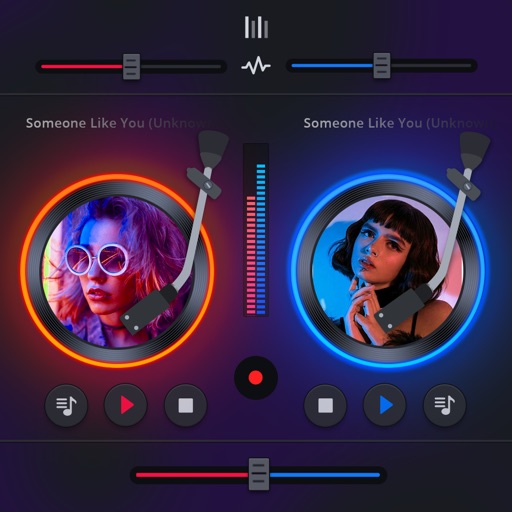
Mix and perform live with a 2-deck DJ setup. Import and sort music by title, artist, album, BPM, or length. Apply real-time Pro-grade FXs and use over 70 one-shot samples and 12 loops. Access Soundcloud library for tracks.
Measure audio, adjust equalizers, set subwoofer phase
Perform room correction by measuring with sine sweeps or real-time pink noise. Average measurements or use moving mic measurements. Compare results to target curves and edit them. Generate equalization filters for PEQ or FIR.
Transform your iPhone or iPad into a with audio-reactive visuals and real-time effects. Connect to any screen and mix videos instantly. Sync visuals to audio tracks. Customize effects and transitions. Share mixed content directly.
Manage playback with a 3D DJ interface featuring turntables and a 3-band EQ . Access a library to organize files and create custom mixes. Adjust volume and effects in real time during playback. Sync with external devices for live mixing.
Edit audio files by cutting, pasting, and rearranging segments. Record and mix audio directly within the . Save edits to the or on your device. Import and combine tracks for custom mixes.
Create and mix audio tracks with DJ tools, access from media or cloud storage, use high-quality pads and loops, apply filters via swipe gestures, and adjust pitch with the Pitch Key A feature.
Edit and mix with FX, 3-band equalizer, and 9-pad sampler. Load tracks from iTunes or external sources. Record mixes and voiceovers. Use gyro-based scratching and set loop points. Apply skins and access a sample library.
Allows users to create custom delay signals using three effect racks. Effects can be inserted before, during, or after the delay loop. Users adjust signal flow by selecting and arranging effect modules across the racks.
Monitor sound levels with a crystal clear SPL meter. Analyze audio in real time using a spectrograph. Access professional tools like Real Time Analyzer for accurate measurements and adjustments.
Lets users play multiple audio and MIDI files using playlists. It supports routing audio tracks to USB interface outputs and uses headphone output as additional channels. MIDI files can be played with a dedicated MIDI player.
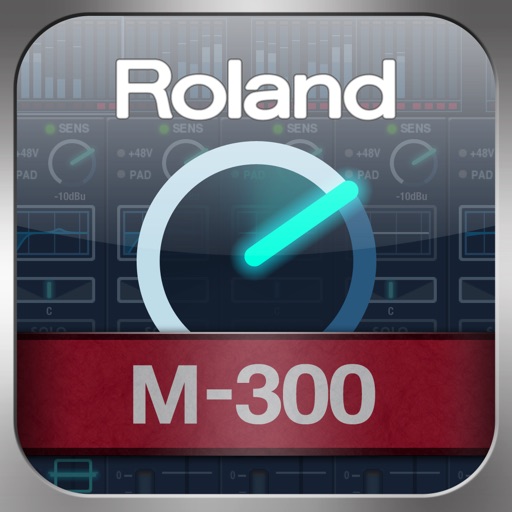
The app allows for remote adjustment of mixing parameters for the Roland M-300 V-Mixer. It provides control over channel and bus settings, including EQ and faders, from various locations.