Customize desktop with interactive stickers. Move, resize, and flip stickers. Add animations and set triggers. Choose from humorous, motivational, or productivity-themed designs. Integrate with system apps for enhanced workspace personalization.
by Jeffrey Schiefelbein★ 0.00 ratingsEntertainment$4.99Data updated 2026-09-06
Create custom animated stickers with over 70 templates and personal captions. Share stickers via or Messages. Add widgets to home screen. View Weather from widgets or . Access Comics and AI features.
Edit photos with enhancement tools, effects, and color splash. Add stickers, frames, and overlays. Create collages and custom drawings. Crop, rotate, flip, and straighten images. Adjust brightness, contrast, and saturation.
Remove backgrounds from photos and videos using advanced neural network technology. Change backgrounds to any desired image. Use presets or customize styles. Edit, resize, rotate, and crop media. Apply filters, add stickers, logos, and text.
Create custom emojis using thousands of parts. Sync emojis to keyboard and Messages/Sticker . Personalize expressions with interchangeable elements. Share created emojis directly within apps.
Photos and videos using AI to expand images, remove objects, and replace or blur backgrounds. Enhance image quality, restore old photos, and create AI-generated scenes. Share edited content directly to Instagram.
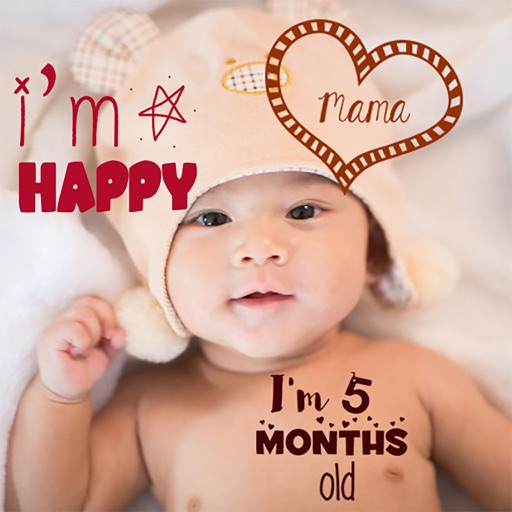
Create stories for pregnancy and milestones using professional stickers and fonts. Add text and -themed stickers. Edit photos with artistic styles. Share and save stories in albums.
Edit photos with filters, stickers, text, and frames. Access images from social media and cloud accounts. photos via IVY Photo Printer or IVY CLIQ+/CLIQ+2 cameras. Share edited photos and order sticker prints for personal items.
Create using photos of yourself or friends. AI automatically focuses and cuts out faces. Share across major chat and social media apps. Use built-in keyboard to send quickly. Access a large library of updated and memes.
Create and edit photos and videos with text, stickers, logos, and elements. Add Arabic and English language support. posts, ads, event invitations, and animated stories. Sync with Apple Health.
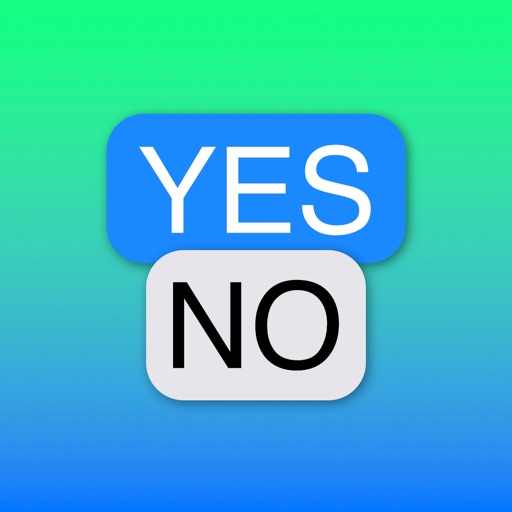
Create Yes/No stickers to fix or flip messages. Replace text for pranks or corrections. Make custom tapbacks with emojis or colors. Choose from various styles to personalize replies.
Create custom ponies and digital stickers with editing tools. Add photos and text to design a digital . Use "-fier" overlays to transform images into ponies. Share created content via social media.
Create stories with customizable text using 400+ fonts in multiple languages. Add animations, backgrounds, and stickers. Edit text styles, colors, and layouts. Share content directly to , TikTok, Telegram, and other platforms.
Children can draw and color using 8 different brushes including crayon, pencil, paintbrush, paintball, chalk, sponge, stickers, and stars. They can choose from over 100 pages. The includes fun effects, sounds, and stickers to enhance creativity.
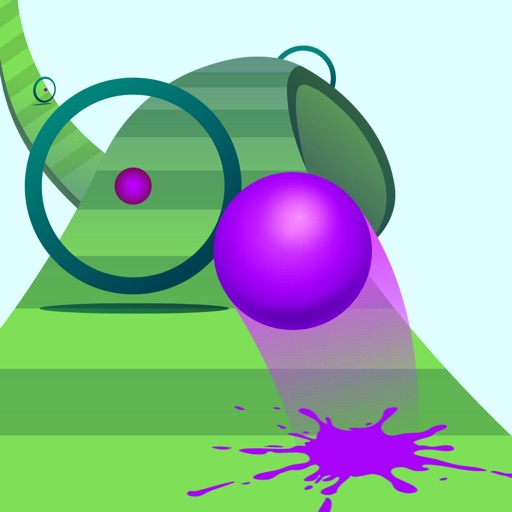
Bounce a slimeball through floating rings to collect gems. Navigate obstacles and avoid hazards. Earn points by hitting targets accurately. Unlock new levels and power-ups. Share high scores with friends.
Edit photos and videos with move, rotate, scale, flip, and custom adjustments. Apply unique filters, effects, borders, and frames. Add text and stickers. Share full-size content directly to and other social platforms without cropping.
Send and customize stickers within iMessages. Choose from 12 animated and expressive stickers. Add stickers to conversations, resize, and position them freely. Share sticker pack with contacts.