Apps Like Green screen:background eraser for iPhone and iPad
Edit videos and photos with background removal
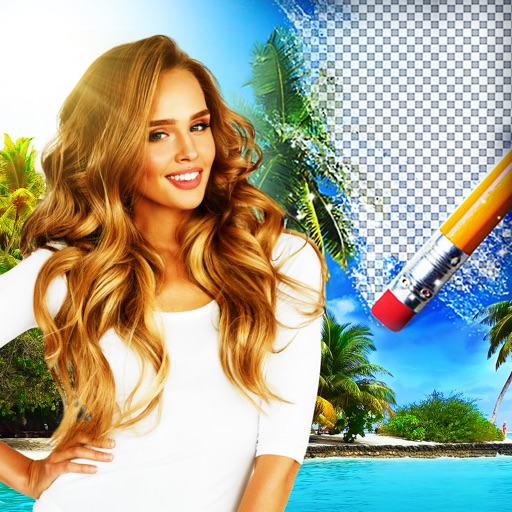
Remove backgrounds from photos and videos using advanced neural network technology. Change backgrounds to any desired image. Use presets or customize styles. Edit, resize, rotate, and crop media. Apply filters, add stickers, logos, and text.
by Capti AI FZ-LLC★ 4.11,355 ratingsEntertainmentFreeData updated 2026-09-06
Edit photos and videos by replacing backgrounds with chroma key technology. Remove unwanted backgrounds from images and videos. Adjust and refine background replacements for precise results. Export edited media in various formats.
Edit photos and videos with AI-powered tools. Apply instant presets for enhanced visuals. Auto-remove backgrounds and generate captions from speech. Export in multiple formats and share directly.
Crop, rotate, flip, and resize photos without quality loss. Scale images for social media formats. Edit photos with blurs, patterns, and text fonts. Apply 180 art masks. Share edited content directly.
Edit photos with enhancement tools, effects, and color splash. Add stickers, frames, and overlays. Create collages and custom drawings. Crop, rotate, flip, and straighten images. Adjust brightness, contrast, and saturation.
Photos with clipping tools to remove backgrounds, apply predefined effects like glitch and duotone, and enhance images with magazine-level touch-ups. Add text, stickers, and unlimited undo/redo features.
Edit photos with cropping, resizing, blending, and beautification tools. Adjust brightness, contrast, and saturation. Add stickers, backgrounds, graffiti, and borders. Create collages with over 500 stickers. Apply filters to montages.
And edit videos and photos in any size or ratio quickly. videos to format with pinch, zoom, and drag features. Add keyframes for creative control. Adjust speed, apply slow motion, reverse, or freeze frames. Resize, rotate, and fill backgrounds.
Edit photos by removing backgrounds with mode, object extraction, and quick select tools. Use transparent backgrounds for stamps and collages. Share edited images directly with other apps.
Remove unwanted parts of photos using precise erasing tools. Change backgrounds with the feature. Undo actions or restore previous edits. Zoom for detailed adjustments and blur edges. Save and share edited images directly.
Edit photos with filters, backgrounds, and effects. Adjust skin tone, eyes, and hair. Apply one-tap enhancements for natural results. Share edited images directly to social media. Add text and stickers to photos. Export in multiple formats.
Edit photos with AI-powered tools like face swap, background removal, and object removal. Enhance image quality with the quality enhancer. Convert images to video. Use the AI agent for generating photos and editing concepts.
Lets users generate unique via AI neural networks. Search by tags and color to find desired designs. Download high-resolution images to customize device backgrounds.
Edit photos by adding customizable beards and mustaches. Choose from various styles and positions. Resize or rotate elements using multitouch. Save edited images and share them with others.
Edit photos by selecting from Camera Roll or taking new shots. Apply real-time effects to create prism-like glass pieces. Adjust frames, shapes, and patterns. Rotate, resize, and drag elements for custom designs. Export and share edited images.
Create and customize stickers with a magic wand tool to remove backgrounds. Share and discover packs from other users. Use stickers in WhatsApp or iMessage. Edit and upload original designs. Explore daily updates of new packs.
Edit photos by removing backgrounds using AI-powered . Select images from gallery or camera. Replace backgrounds with options from various categories. Blend foreground with chosen for natural results.
Edit photos and videos with AI-generated anime styles, including facial enhancements and background effects. Apply filters, adjust colors, and add animated elements. Export edited content in various formats and share directly.
Remove backgrounds from photos using AI. Select images from the gallery, automatically detect and cut around people or objects. Save as transparent PNG or replace with HD backgrounds. Edit and share edited photos directly.
Create collages by combining up to 16 photos. Choose from 250+ templates. Import and resize photos. Customize with backgrounds, frames, stickers, and text. Adjust angles and select from various fonts and colors.