On with precise tools. Add text, shapes, and stickers. Insert layers and blend images. Create collages with frames and stamps. Design custom stickers and share directly via iMessage or the .
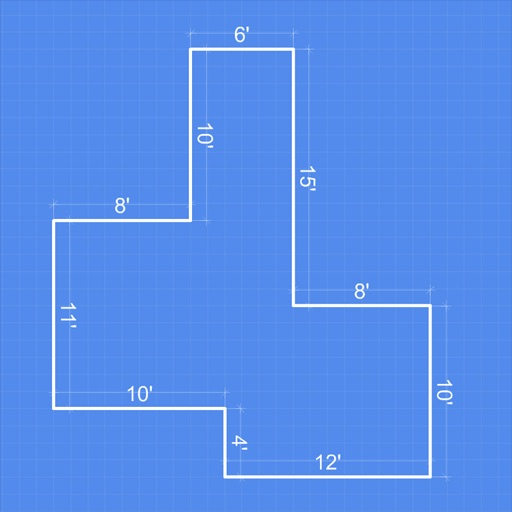
Receive a new shape daily to use as a creative foundation. on the shape with customizable colors and tools. Save, share, or export artwork in various formats. Access daily prompts to inspire artistic exploration.
Learn to characters using augmented reality guidance. Follow step-by-step tutorials to sketch facial features, body proportions, and expressions. Use AR overlays to visualize and refine your drawings in real time.
Allows users to create drawings with customizable tools and layers. Share artwork with friends or join collaborative sessions. Access weekly drawing lessons and tutorials. Save and organize projects in a personal gallery.
Use your phone to project templates onto paper for . Upload and create custom art. Access sections for anime, tattoos, and cars. Record video of your process. Sync drawings with AR features for enhanced sketching.
Create anime-style drawings with step-by-step tutorials. Learn to characters and scenes through guided lessons. Export sketches and access printable templates for practice. Share artwork directly from the .
Create and customize digital artwork using a variety of colors and brushes. Select from multiple pre-designed coloring pages. Save and share completed drawings. Adjust brush size and opacity for detailed work.
The app provides tools for drawing, coloring, and editing pictures. Users can create simple pictures, add text, or modify existing images with various shapes and editing functions.