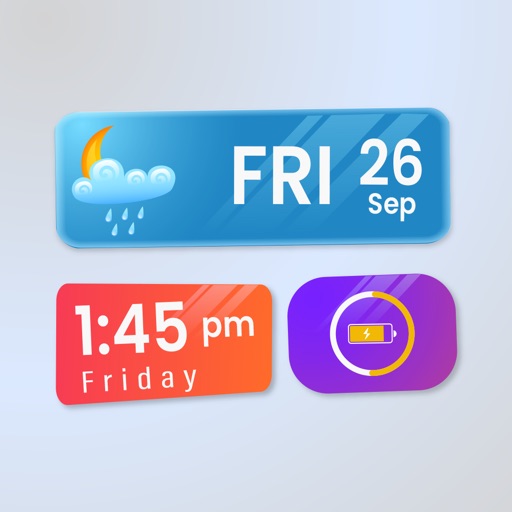
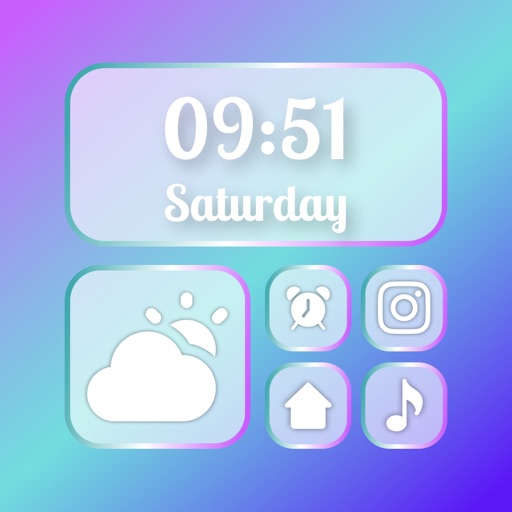
Widget King allows users to add dynamic to their home screen. Choose from sporty, racing car, cliff, bridge view, and aesthetic . come in three sizes. Users can customize and arrange on their iOS 14 home screen.
Customize iPhone home screen with pre-made collections and 500+ icons in styles like Minimalistic, Light, and Dark. Create custom icons, adjust designs, and add shortcuts to apps. Replace default icons and organize home screen layouts.
Plus Apps Bilisim Teknolojileri Reklamcilik Limited Sirketi
Customize and
Change Apple face wallpaper daily with curated designs. Add to the face. Customize appearance with exclusive face options. Select from a gallery of designer wallpapers.
Manage frequently used apps and shortcuts with customizable on home and lock screens. Add transparent , personalize icons, and set custom time and date formats. Launch apps, websites, and shortcuts directly from .
Customize Home Screen with and . Browse 20 theme categories for styles like Neon or Luxury. Preview on Home Screen before applying. Create custom by adding frames or photos. Apply and to personalize device appearance.
Change iPhone wallpaper with high-quality HD and 4K images. Access sets optimized for iOS 17. Browse categories like minimal, nature, and neon. Preview before applying. Receive daily updates for new designs. Customize Home and themes.
Create interactive with two taps. Customize colors and elements to design your own. Launch iOS apps by tapping elements. Compatible with iOS 17 or later.
Create posters using exclusive templates. Customize call screens with design options. Instantly personalize phone calls with iOS 17 features. Share posters directly from the .
Customize iPhone home screen with pre-defined and user-created widgets. Add contact and link widgets to lock screen for quick access. Extend functionality to lock screen. Personalize home screen layout with hundreds of combinations.