App Icon Changer & Themer
Customize icons and home screen shortcuts
Broftware House Yazilim Tasarim Anonim Sirketi
iPhone Screenshots
Description
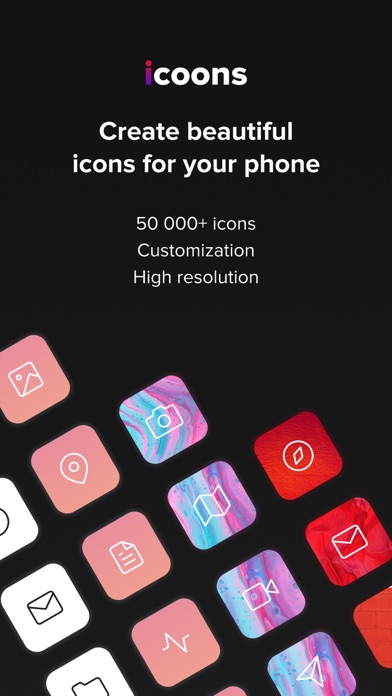
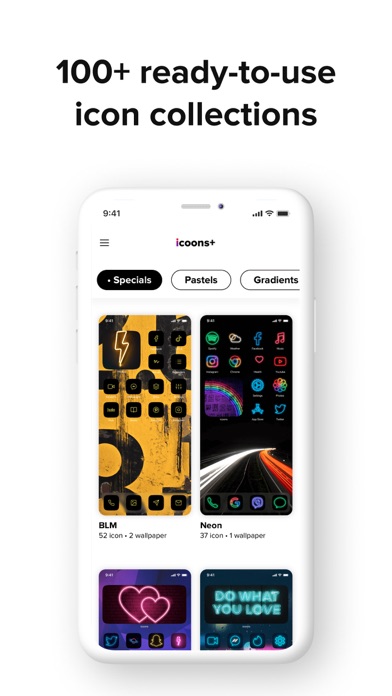
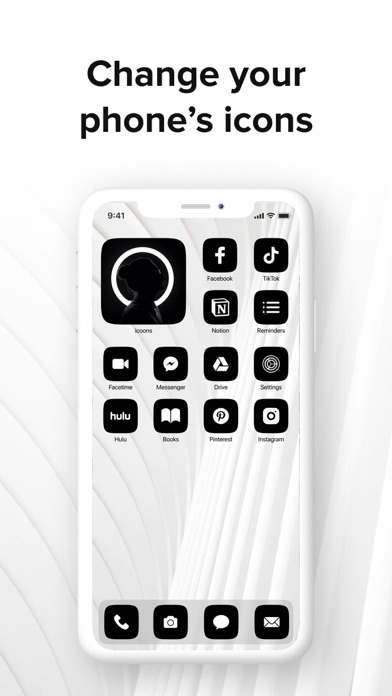
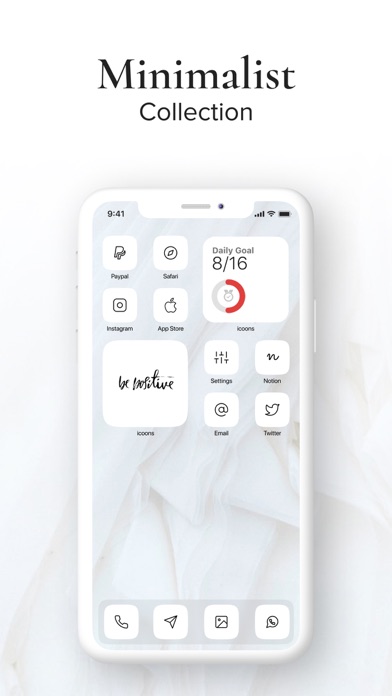
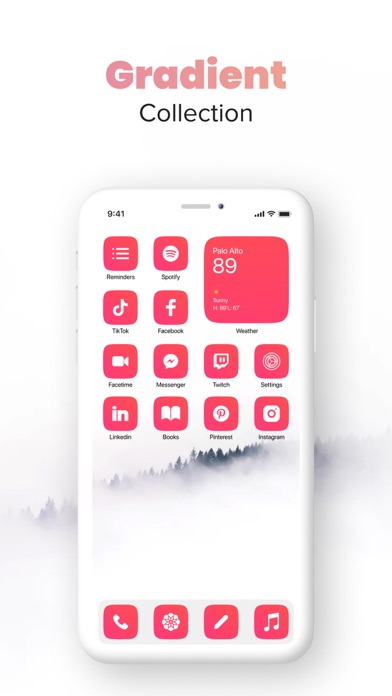
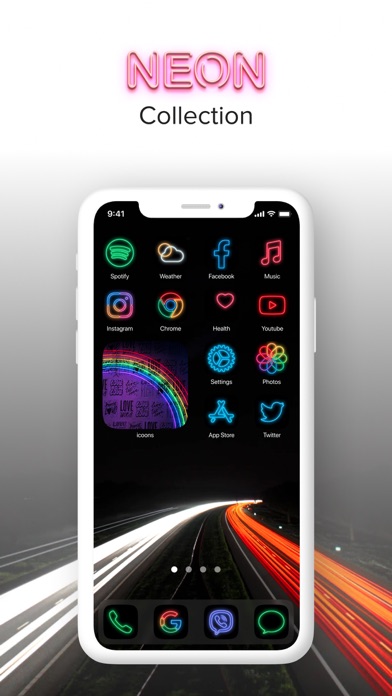
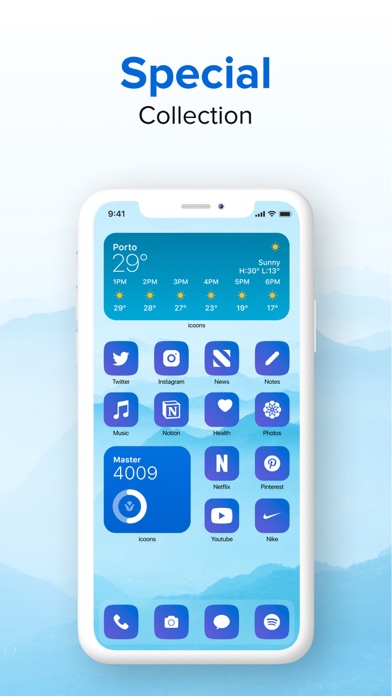
Customize iPhone home screen with pre-made collections and 500+ icons in styles like Minimalistic, Light, and Dark. Create custom icons, adjust designs, and add shortcuts to apps. Replace default icons and organize home screen layouts.
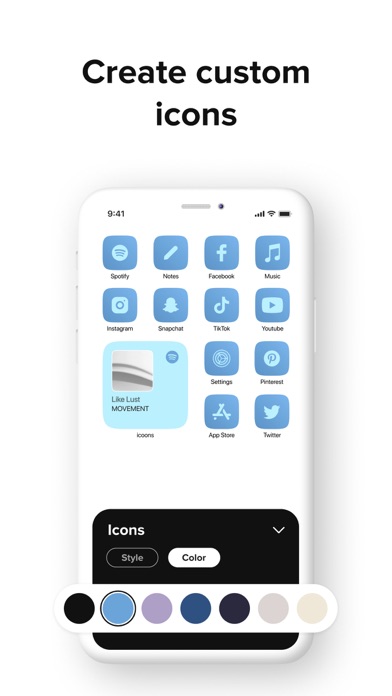
Icoons gives a stunning look to your iPhone with simple, beautiful, and ready-to-use icon collections. It provides a toolkit to create custom icons, change design, backgrounds & icons as you wish, then put these icons in for the shortcuts, and add them to your home screen! With icoons, now you can add shortcuts to open apps.
———
In icoons, you can find:
# ICON COLLECTIONS
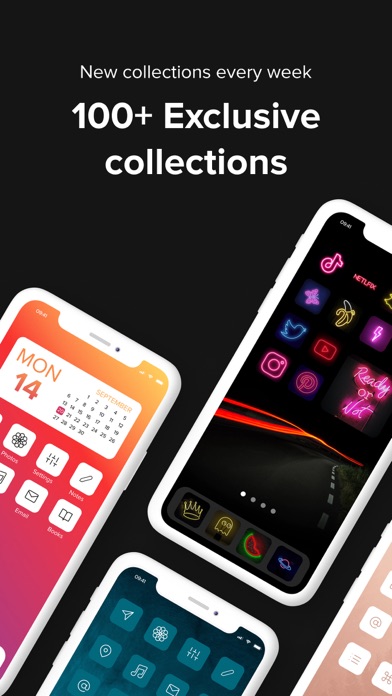
· Pre-made icon collections to choose including Minimalistic, Light, Dark, Pastel, etc.
· 500+ stunning icons with different shapes and colors.
· New icon collections are added regularly.
# ICON EDIT TOOL
· Icon: Change your icon style from dozens of awesome icon styles.
· Background: Customize icon background color with 100+ different colors, gradients, and high-quality patterns.
# HIGH-QUALITY EXPORT
· Export your icon set in high resolution for a seamless iPhone experience.
# HOW TO USE ICOONS
1. Start with ready-to-use beautiful icon collections or create your own.
2. Change icon style & color.
3. Change icon background color from a wide-range palette of color & gradients.
4. Download your icon set in high quality.
5. Add your custom icons to the shortcuts, and add them to your home screen!
* No notification indicators.
* 'Shortcut' app opens before the actual app.
Thanks for using icoons! We love hearing your ideas and feedback. Email us at [email protected].