TV functions remotely via Wi-Fi. Adjust volume, switch channels, select input sources, and manage playback. Navigate menus and access streaming apps directly from the phone interface.
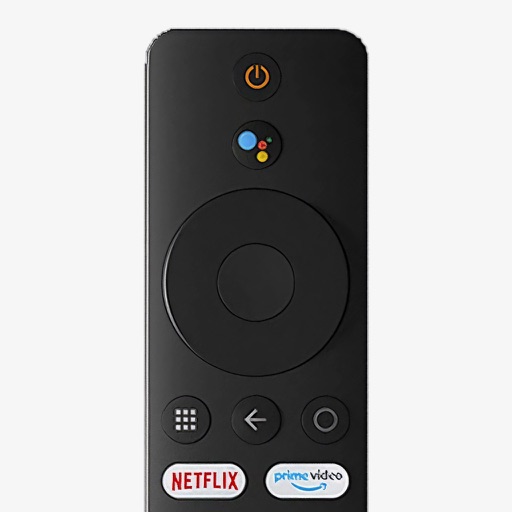
Control your Mi Box with full remote functions including volume, power, and navigation. Manage apps by opening, closing, and switching them from your phone. Use voice search to find content and control playback.
AV receivers via Mac with power management, volume adjustment, source selection, and playback controls. Toggle mute, navigate tracks, and adjust tuning settings. Customize shortcuts for quick access. Requires local network connection to the receiver.
Manage media playback with automatic installation detection. Control play pause, volume, and navigation via touch or Apple Watch. Integrate with and for media management. Adjust settings for playback options and device compatibility.
Control Roku device remotely via Wi-Fi. Navigate channels, adjust volume, and manage playback. Access keyboard for text input. View and control screen mirroring sessions. Manage playback settings and system menus.
Allows users to manage volume and basic media playback for supported apps. Users can adjust volume, play, pause, skip tracks, and stop media. Supported apps include TV, Music, QuickTime Player, VLC, IINA, Spotify, and Safari.