
iPhone Screenshots


Description
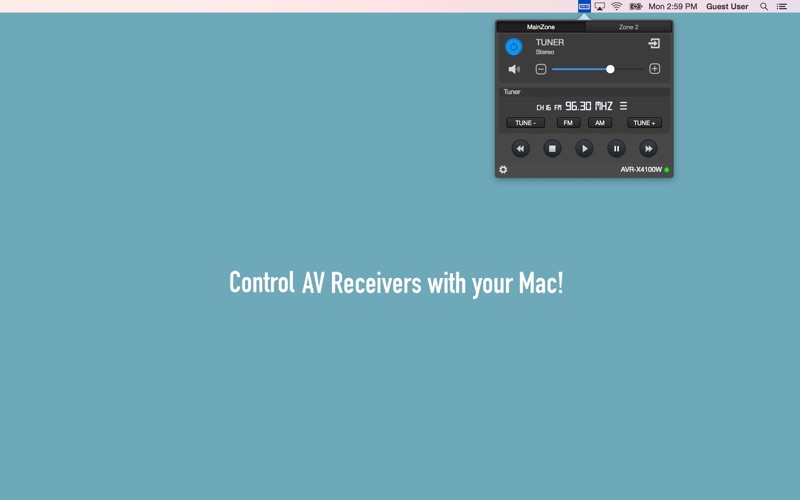
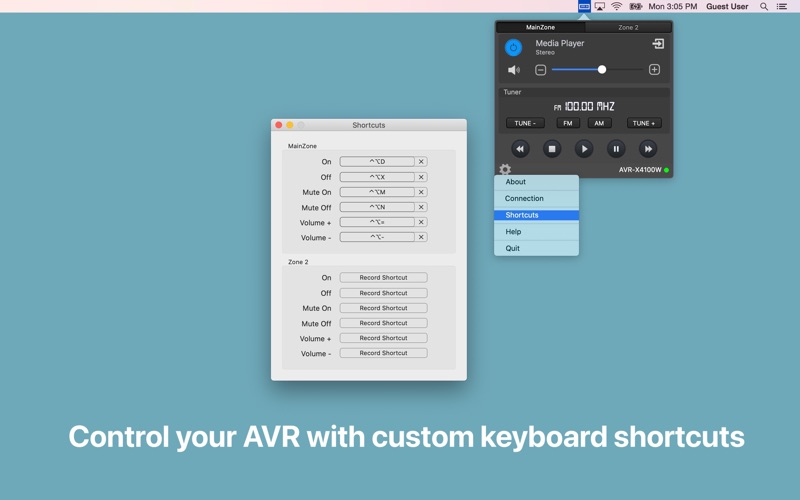
AV receivers via Mac with power management, volume adjustment, source selection, and playback controls. Toggle mute, navigate tracks, and adjust tuning settings. Customize shortcuts for quick access. Requires local network connection to the receiver.
Control your AV Receivers with your Mac.
Compatible with Denon and Marantz Network AV receivers!
With this menu bar app, you can remote control network ready receivers.
Features:
Power On/Off Zones
Set volume (or mute)
Set source
Play/Pause/Stop/Next/Previous music control
TUNE +/- Control
Band set to AM/FM
Add custom shortcut for main functions
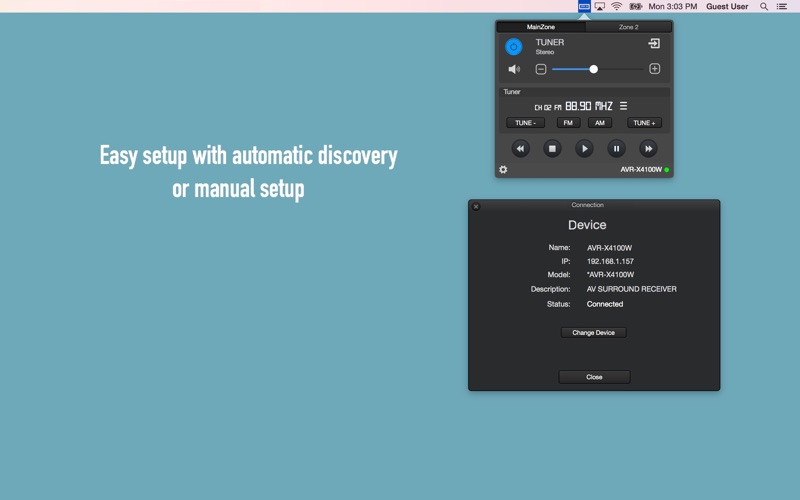
To control your device, you must be connected to the AVR device's local network.
Please set "Network Standby / IP Control / Network / Network Control" to "ON / Always ON" in your AVR device via the system setup menu to use this app.