Create and customize tracks using a grid-based editor with pixel-art style. Design mazes with corridors, walls, teleports, and breakable barriers. Set up challenges and physics-driven competitions.
Play a 8-bit platformer game with 50 challenging levels. Solve fun puzzles and navigate pixel art environments. Use arrow keys and buttons for movement, jumping, and actions. Enjoy relaxing 8-bit music and a challenging gameplay experience.
Create collages by combining photos, adding stickers, and applying effects. Choose from multiple layouts and templates. Edit images with cropping and filters. Share finished collages directly to social media.
Manage a miniature ranch by cleaning animal areas and populating them with characters. Collect and care for animals, complete tasks, and improve the appearance through -art styling.
Collect and sell items to earn Gold. Upgrade your Knight and companies to increase rewards. Hire more companies and upgrade them for better efficiency. Occasionally obtain Glow Stones as bonus items.
Create pixel art using a grid-based drawing interface. Draw with customizable colors and brush sizes. Share artwork directly to social media or the in- community. View and comment on other users' pixel art.
Create AI-generated art by typing prompts. Select from styles like realistic, anime, and 3D. Generate images instantly. Save and share artwork directly.
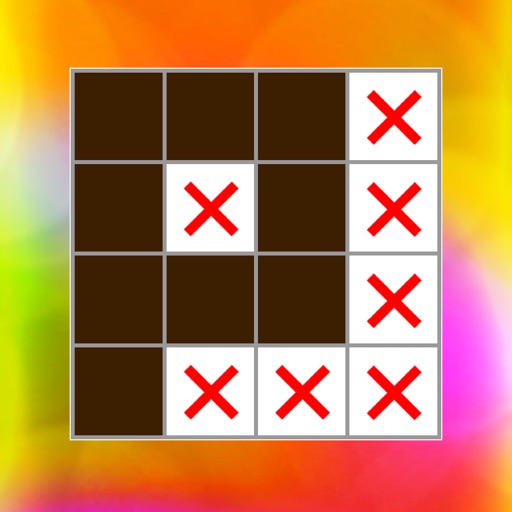
Solve pixel art using numbered hints to determine filled and blank pixels. Reveal images by logically deducing correct cells. Play hundreds of with increasing difficulty. Track progress and complete challenges. Share completed artwork with others.
Build and explore 3D pixel worlds. Mine resources, create farms, and construct structures from houses to cities. Craft weapons and tools. Fight monsters at night. Design and share custom maps.
Solve puzzles to unlock 3D decor items. Customize rooms by placing furniture and decor. Progress through levels to unlock new items and design different spaces.
Design with precision, edit vector graphics, create
Create illustrations, branding, logos, and UI/UX designs. Edit vector graphics and raster images. Apply filters, adjust colors, and add text. Export in multiple formats and share directly. Sync with desktop versions for seamless workflow.
The app offers pixel art creation with basic drawing functions and layer support. It allows for animation with onionskin tracing and file sharing in multiple formats.
Color the art versions of famous paintings. Choose from a weekly updated collection of artworks. Remove ads and unlock unlimited through the Amuse Museum Club. Save and share completed drawings.
Create art with layer editing tools including adding, deleting, duplicating, hiding, sorting, and grouping layers. Use blend modes and transparency settings. Access various tools like pen, eyedropper, eraser, and selection.