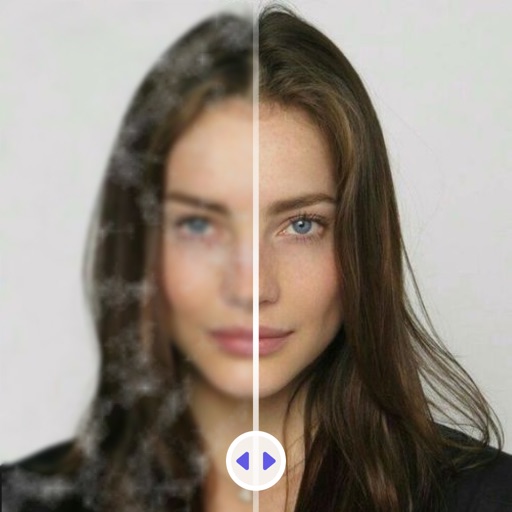
MPScan enhances scanned images by automatically cropping with edge detection and perspective correction. It removes scratches, dust, and noise using smart filters. Users can apply automatic or manual adjustments for image enhancement.
Edit photos with AI cartoon filters, -to-sketch conversion, and mosaic art creation. Remove backgrounds, add drip art, and create collages. Save and share edited images directly.
Unwanted elements from photos using object removal tools. Isolate main subjects with background removal. Replace backgrounds with solid colors, custom images, or transparency. Export edited photos in various formats.
Create collages by combining multiple photos into layouts. Choose from 50+ grid styles and tree or 3D modes. Edit photos with cropping, filters, and text addition. Share finished collages directly.
The app offers 17 tools for adjusting image quality, including noise reduction and sharpening. Users can compare before and after images by long pressing.
Create blur effects by tracing fingers over photos, with automatic border correction for natural results. Zoom in or out using pinch gestures for precise adjustments. Check results by tracing over the screen.
View live feeds from IP cameras. Adjust image brightness and contrast. Flip or mirror images. Control LED and infrared functions. Select compatible models from a list.
Crop photos using a cropping tool. backgrounds and unwanted objects with an eraser tool. Select areas to erase and create transparent backgrounds. Edit images for white or clean backgrounds. Export edited photos and create stickers.
Capture photos and videos with film effects including retro filters, grain, light leaks, and analog imions. Apply 8mm and VHS video styles. Shoot directly from the without editing or registration.