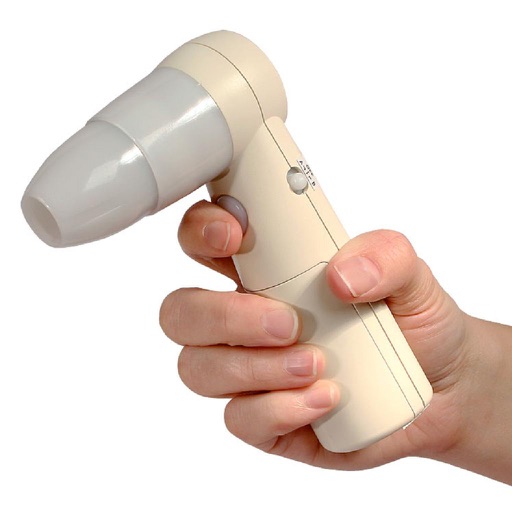
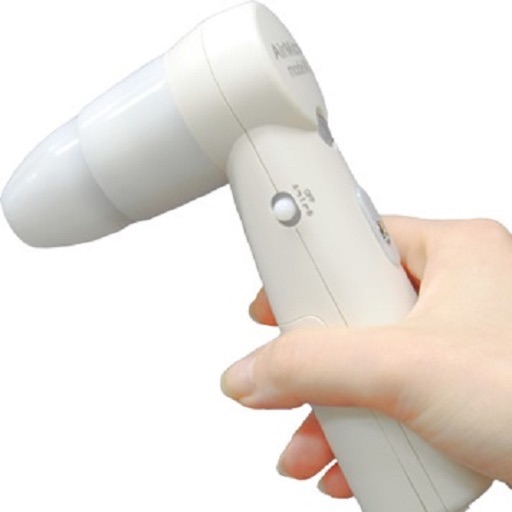
The app displays and preserves pictures captured with AirMicro and ProScope Mobile. It allows users to view live video and capture still images directly into the photo library on an Apple Mobile device.
In and out up to 15x while taking photos using a slider. Auto-stabilize images and videos. Adjust photo quality automatically. Use timer settings for 3, 10, or 20 seconds. Enable tap-to-shoot or swipe-to- options. Video available via in- purchase.
Create videos quickly with an AI script generator that turns simple ideas into full scripts. Use a for smooth recording, add AI-generated captions, and replace backgrounds with green screen tools.
AI-powered editing transforms photos into cartoon art, watercolor paintings, or other creative styles. Users can apply filters, adjust colors, and add effects. Export edited images in various formats and share directly.
Edit photos with AI-powered object removal and background blur. Generate from text using AI. Adjust colors, brightness, and contrast. Add filters and effects. Crop and resize . Share edited photos directly to social media.
Edit photos by applying AI-generated filters and effects. Choose from various styles and presets. Process images automatically for polished results. Share edited photos directly.
Generate professional-grade headshots using AI-powered image analysis. Adjust lighting, angles, and background. Choose from multiple styles and export in various formats.
The app allows users to monitor homes, offices, or stores remotely. Users can view live video, communicate via two-way audio, and control camera functions like pan, tilt, and night vision.
Save bookmarks with one tap while browsing. Organize links into folders and tags. Search and access saved content quickly. Sync bookmarks across devices. Share links directly from the . View detailed metadata for each bookmark.
Capture photos and videos without visible interface elements. Take high-quality images or record videos with a single tap. Select from premium background options for discreet documentation or security use.
Capture and scan objects or spaces to create detailed 3D models using camera zoom, auto-timer, and manual focus. Scan areas by walking with a mini-map, interactive camera views, and real-time raytrace preview.
, receipts, and notes into PDF, image, or text files. Save individual pages or create multi-page PDFs. Share scans directly or export to cloud storage. Sync with iCloud or preferred cloud services.
View and save images captured with or ProScope Mobile. Adjust focus and brightness. Share photos via email or messaging. Compatible with Apple iPad, iPhone, and iPod. Used for skin analysis and educational purposes.