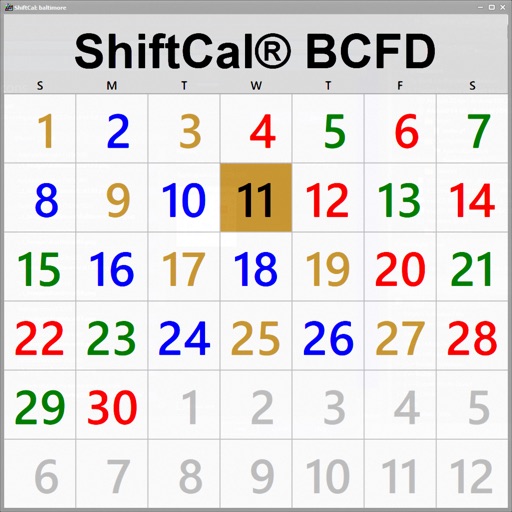
Create and manage schedules by tapping a to add shifts quickly. Customize icons with colors for easy visual tracking. Set up rotations to auto-populate schedules for multiple weeks. Log earnings and track time spent on each .
Allows users to manage schedules with integrated reminders. Events and reminders are shown together on the . It supports Apple Watch integration. Users can set complex repeating events like monthly or weekly patterns.
Manage tasks with a calendar, , and to-do list. Track expenses with a budget tool. Store passwords securely and convert currencies. Customize the navigation panel to prioritize essential functions.
Track countdowns for milestones, vacations, or deadlines. Set custom work schedules and exclude holidays or off-. Manage multiple countdowns and view progress with clear day-by-day updates.
Track tasks and set priorities with customizable to-do lists and due dates. Manage schedules using time blocking and visual calendar views. Organize work and personal activities with structured planning tools and time management features.
entwicklungsschmiede UG (haftungsbeschraenkt) & Co. KG
View appointments, tasks, and weather
View current appointments, events, tasks, and birthdays on a dashboard. Check weather and monthly overview at a glance. Add events and tasks with predefined settings and simple controls. Sync calendars and manage reminders efficiently.
View red days at a glance using the annual . Tap a date to save simple events or long press for event options. Save recurring events monthly or yearly.
Manage daily tasks and long-term plans with a customizable . Add events, reminders, and notes. Highlight important dates and mark holidays. Sync across devices using iCloud. Customize layouts and week numbers.
Manage daily tasks and long-term planning with a customizable . Add events, reminders, and notes. Highlight important dates and track holidays. Sync across devices using iCloud. Share calendars and adjust layouts for different months.
The app helps users turn activities into habits using the ‘Don't break the chain!’ productivity method. Users can track progress, view stats, and receive custom notifications to stay motivated.
Track wages by adding hourly earnings, overtime, and unpaid breaks. Create and organize shifts with color-coded calendars. Calculate pay for multiple jobs and track time worked with precise accuracy.
Track weekly schedule with swipe navigation for weekdays. View color-coded classes and add room, location, and notes. Set reminders for homework, exams, and quizzes. Sync with Apple Watch for real-time updates.
Track with one-tap in and out for full- and part- jobs. Manually enter if missed. Calculate earnings based on tracked . Sync data across devices. View detailed logs and payment summaries.