Connect to iOS device camera for live streams and meetings. Use manual controls for settings. Draw and add text via voice on video feed. Pause video to annotate. Stream via USB, HDMI, or AirPlay to Ecamm, OBS, or Zoom.
Create and manage configurations for iOS home screens. Add icons to lock screen with widgets. Generate custom icons from glyphs with color and gradient options. Import images as icons. Save multiple setups for quick style changes.
Pollux Bilisim Teknolojileri Sanayi ve Ticaret Limited Sirketi
Sketch on photos with AR
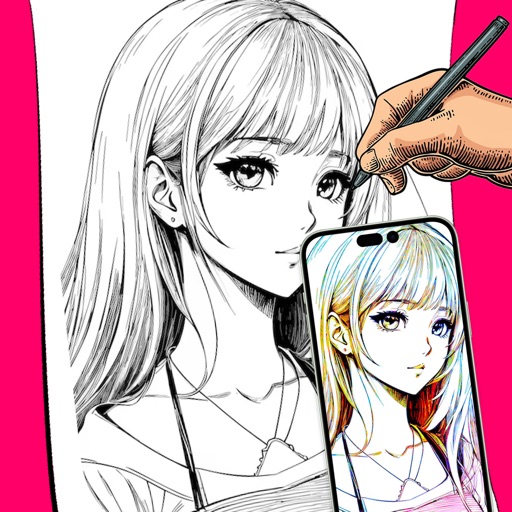
Use AR to sketch and draw on photos with realistic ink effects. outlines or create pencil sketches from images. Convert photos into artistic drawings with AI-powered tools. Save and share finished artwork directly.
Sketch directly on the screen with pressure-sensitive tools. Adjust brush size and opacity. Rotate, resize, and move drawings. Save and share artwork in various formats. Export as vector or raster files.
Generate images from text descriptions using an AI model. Adjust parameters to refine results. Upload existing images to use as a base for modifications. Edit generated images directly within the .
Create rounded images from photos or gallery selections. Adjust borders and colors for polished results. Save and share rounded images for social media platforms including Instagram, Facebook, YouTube, TikTok, X, WhatsApp, Snapchat, and Pinterest.
Add quick doodles, sketches, or notes to your home screen. Create comics, practice hand-lettering, or draw over images. Add text to widgets. Purchase a background image to customize the look.
Use AR to objects in real-time and create sketches. over traced images with customizable brushes. Save and share artwork. Adjust colors and line thickness. Export drawings in various formats.
Browse a collection of and nature for Home Screen, Lock Screen, or other devices. Filter by wallpaper framing for iPhone, iPad, or Mac. Download directly from the . View daily featured photos.
Create art with a wax simulator that mimics real-life drawing. Adjust stroke size based on finger contact area for precise control. Draw thin lines with fingertips or broad strokes with full finger pressure.