
Apps Like Simple Sepia Camera for iPhone and iPad
Ranked alternatives
Showing 421–440 of 1,000 ranked alternatives.


NostalCamera
Makiko Kawahara
Capture photos with retro film textures
Capture photos with retro film textures from the 1970s to 2000s. Apply soft grain, dreamy light, flash-lit effects, or digital camera tones. Instantly transform images into vintage styles. Choose era-specific filters for nostalgic looks.
All-in-1 HD Slow-Shutter Pic-Lab & Studio Art Design Editor Free
Baby Bala LLC
Control photo look with shutter.
The app offers slow shutter control for unique photos with adjustable shutter speeds from 0.5 to 15.0 seconds. An editing lab allows users to draw on photos, add text, adjust brightness, contrast, saturation, and apply various effects.




iPic Editor - Photo Editing Ap
Babi Pinajben Sarafaraz
Edit photos with crop, rotate, filter, adjust,
Edit photos with crop, rotate, and filter tools. Adjust brightness, contrast, and color. Add text, stickers, and draw on images. Apply blur, focus, and special effects like magic and splash. Export and share edited photos.



Mirror Trick Camera
Nobuhide Uzawa
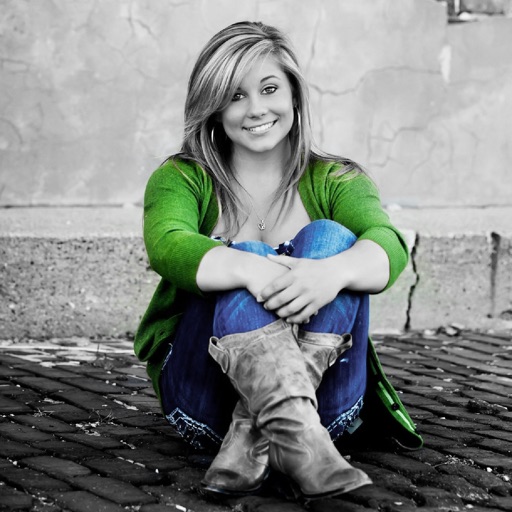
Symmetrical photos with a mirror trick.
The app allows users to take symmetrical photos using a mirror trick. Users can create interesting photographs, such as appearing to float in the air.
How we rank alternatives
Apps are ranked by functional similarity, category fit, rating confidence, and popularity.