
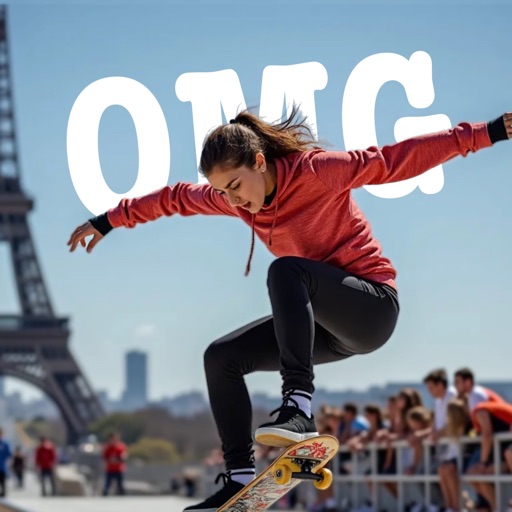
Apps Like Text Behind AI for iPhone and iPad
Place objects in photos
AI-powered placement allows users to embed objects in photos. Customize fonts, sizes, and colors. Adjust position and depth for professional-looking depth effects. Export edited images directly.
Ranked alternatives
Showing 361–380 of 1,000 ranked alternatives.



Fotos: Add Text on Image
SK Studios Limited
Add text and share photos.
The app allows users to add text to their pictures. Users can select from over 100 fonts, adjust text size and color, and highlight text.

Galea Photo Editor All in One
WAITOS AI SOCIEDAD LIMITADA
Edit photos, enhance images, share results
Edit photos with basic tools like cropping and adjustments. Apply AI-powered art filters for creative effects. Enhance images with intelligent editing features. Save and share edited photos directly.


Photo Lasso AI: Cut & Edit
Finalhit Ltd.
Photos and crop objects instantly
Photos with one-tap AI enhancement for vibrant colors. Preview edits in real-time. Swap backgrounds with two taps. Use over 20 pro tools including filters, frames, and stickers. Crop and paste objects onto any backdrop quickly.
Fonts Manager
祖元 周
Preview system and custom fonts easily.
The app allows users to preview system and custom fonts on an iPad. It supports installing various font file types via iTunes Sharing and custom text.


Captions & Filters – GARMASH
Top G Team FZ-LLC
Edit videos with AI subtitles and cinematic
Create professional videos with AI-generated subtitles and over 40 cinematic . Add automatic speech-to-text, customize fonts and colors, animate words individually, and apply pre-designed animations. Export and share finished videos directly.

Censor: Face Blur & Pixelate
PRODEKS UA, TOV
Faces, hide plates, protect photos
Edit photos by blurring or pixelating faces with AI-powered detection. Black out license plates or other sensitive details. Save and share edited images directly.

Poster+ Maker: Design & Flyer
Ki Tat Chung
Create designs with professional tools.
The app transforms user ideas into posters, flyers, and graphic designs. It offers professional tools with an intuitive interface, allowing users to choose templates, customize layers, and share creations.

PDF AI: Editor, Scanner, Chat
Yang Yang
Edit PDFs, read smarter, collaborate securely
Edit PDFs with text, image, and layout modifications. Read with AI summaries, highlights, and customizable themes. Annotate using highlights, notes, and sketches. Fill and sign forms interactively. Convert PDFs to Word, Excel, PPT, images, and TXT.



How we rank alternatives
Apps are ranked by functional similarity, category fit, rating confidence, and popularity.