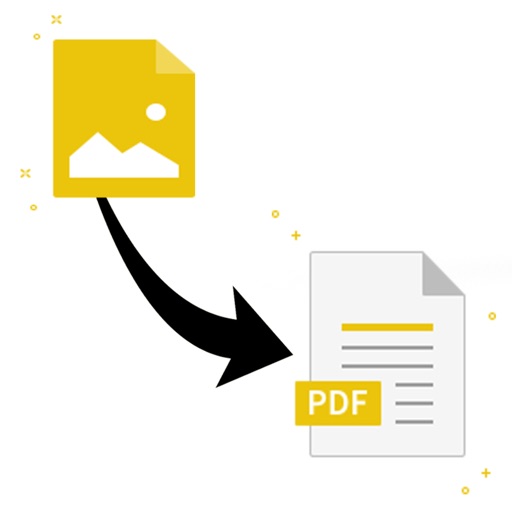
Convert documents to PDF with one tap, supporting JPEG, Word, Excel, and PowerPoint files. Scan and auto-crop documents for clear digital copies. Add e-signatures or custom watermarks to pages.
Create and manage an electronic question bank from documents like Word, Excel, and PDF. Search questions via floating window, photo, text, or voice. Practice with flashcards, mock exams, and chapter reviews.
Convert photos and documents to PDF with one-tap conversion. Scan paper documents and extract text using OCR. Merge, split, and protect PDFs with passwords. Export files in multiple formats and share directly.
View, organize, and manage PDF files with merging, splitting, and securing tools. Scan and list all PDFs on your device. Keep documents locally for privacy and use built-in tools to edit and secure files.
The app allows users to import documents from cloud drives and web browsers, then manipulate PDF pages. Users can merge, reorder, insert, and delete pages, as well as convert Office documents to PDF.
Edit PDFs by modifying text, images, and signatures. Merge files and convert to other document formats. Save and share edited documents directly. Use AI-powered tools for precise edits. Export in high-resolution or printable formats.
Create and manage PDF documents by scanning, editing, and signing files. Extract text from PDFs and import various file types. Reorder, rotate, duplicate, or delete pages. Scan multiple pages at once with smart edge detection.
Open media files and photos to convert them into PDF format. Rotate pages and merge multiple documents into a single PDF. Paste from the clipboard and convert it to a PDF. Rename files for easier organization and management.