
SwiftPDF: PDF Toolbox Offline
Convert documents to PDF and manage files
Sheraz Khan
iPhone Screenshots


Description
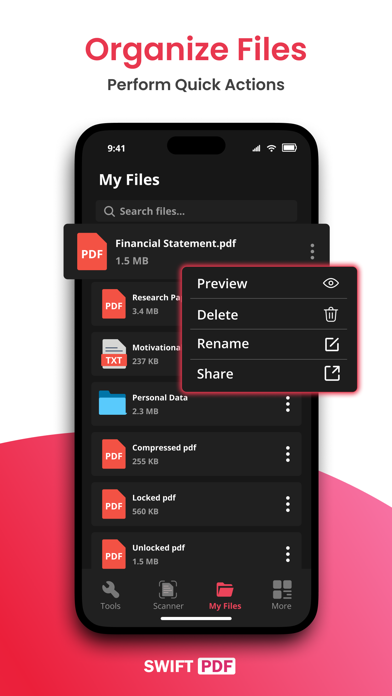
Convert photos and documents to PDF with one-tap conversion. Scan paper documents and extract text using OCR. Merge, split, and protect PDFs with passwords. Export files in multiple formats and share directly.
Convert to PDF - Photo to PDF is your ultimate all-in-one PDF toolkit. Whether you want to convert images, text, or Office files to PDF, or manage your PDFs with merge, split, and password protection tools — this app does it all.
PDF Converter offers a suite of essential PDF tools, Document Scanner, and PDF Conversion Tools for seamless document management.
Key Features:
Image to PDF: Convert photos to PDF instantly.
Document Scanner: Scan and digitize paper docs.
OCR (Image to Text): Extract text from images with accuracy.
Word & Excel to PDF: Convert Office files effortlessly.
Compress PDF: Reduce file size without losing quality.
Merge PDFs: Combine multiple PDFs into one.
Split & Delete Pages: Extract, remove, or organize pages.
Rotate Pages: Adjust orientation with a tap.
Add Page Numbers: Number your PDF pages automatically.
Lock & Unlock PDFs: Add or remove passwords easily.
Remove Blank Pages: Clean up your PDFs in seconds.
Download the Convert to PDF free app now and experience the unparalleled convenience of a fast, efficient, and feature-rich PDF toolkit at your fingertips! Unlock the potential of your PDF documents with ease.
We're here to assist you!
For any inquiries or assistance, reach out via email at [email protected].
SwiftPDF's Terms of Use and Privacy Policy
https://daham46378.wixsite.com/swiftpdf