Convert videos into Live Photos with editing tools for trimming and adjusting effects. Save creations to the photo library and share via social media or messaging apps. Premium subscribers get unlimited GIF saves and ad removal.
Create collages by combining multiple photos into a single . Resize the , adjust rounded corners, change resolution, and modify the color. Rotate individual images within the . Premium plan offers additional features and auto-renewing subscriptions.
Capture photos and videos with high resolution up to 4032x3024 and 4K. Switch between front and back cameras. Use face detection, grid, and image stabilization. Zoom up to 10x. Adjust focus and exposure by tapping.
Select images from the photo library, rotate, mirror, straighten, crop, and convert to black and white. Preview with a and zoom in to focus on specific areas. Overlay a sub- for precise adjustments.
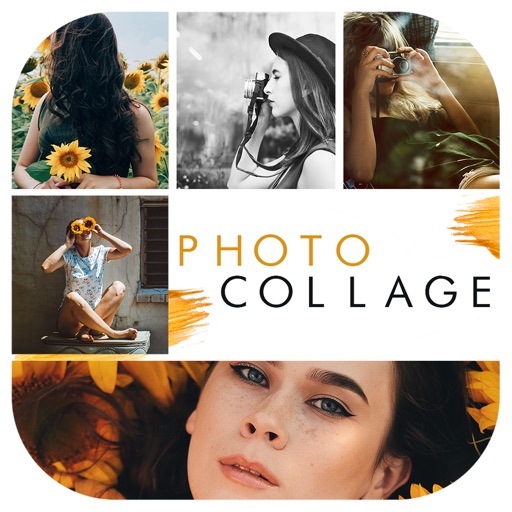
Create collages with 64 layouts and custom difference templates. Add photo frames, stickers, captions, and text with font options. Edit backgrounds and export finished collages.
Select from hundreds of templates to create collages. Customize templates with text, stickers, and filters. Arrange images in layouts. Export and share directly to Instagram.
Create collages using free layouts and grids. Add stickers, text, and backgrounds. Edit photos with cropping, flipping, and layering. Save and share finished collages or stories. Generate wallpapers from edited images.
Create collages using photos with customizable layouts, frames, and borders. Use AR technology to place collages in rooms or on surfaces. Scan environments to position collages and record videos with family members.
Slice photos into smaller squares and arrange them in a specific order for Instagram. Users can select images from their library, crop them, and post the arranged slices to create a cohesive image.
Create collages by mixing and arranging photos, rotating, and moving them freely. Add text, stickers, and backgrounds with customizable fonts, sizes, and colors. Draw or write on photos using a doodle tool. Export and share finished collages.
Create photo collages by combining 2 to 9 images into one. Adjust size, position, and layout. Choose from various templates and styles. Add stickers, frames, effects, and patterns. Share finished collages directly.