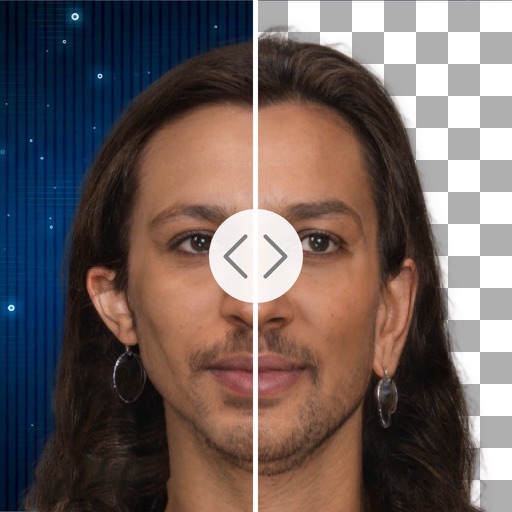
Remove backgrounds with a single tap. Replace with 800+ virtual templates. Export as transparent MP4 with alpha channel. Adjust resolution to 16:9 or 9:16. Position and scale the top layer transparent .
Add text to photos with customizable fonts, colors, sizes, and borders. Include stickers and background colors for creative expression. Share directly to social media platforms. Supports multiple languages including Arabic, , Persian, and Hindi.
The app allows users to create green screen videos, photos, and GIFs by replacing backgrounds and layering video elements. It is suitable for students, teachers, and content creators for various projects.
Edit videos by trimming, splitting, and merging clips with adjustable durations and transitional animations. Apply diverse filters and retouch photos. Add multi-layer subtitles with adjustable timing and customizable fonts.
The app applies dust, film grain, textures, light leaks, and gradients to images. Users can edit photos with professional tools and save edits for future use.
Add to photos with customizable fonts and styles. Choose from 250+ fonts and 200+ templates. Include layers for , images, shapes, and stickers. Access a variety of stickers, icons, and quotes. Apply single color or gradient color palettes.
Edit photos with vintage effects, artistic filters, and professional adjustment tools. Crop, resize, and enhance images. Add text and stickers. Export in multiple formats and share directly. No registration, ads, or watermarks.
Edit photos and videos with nostalgia-inspired filters, textures, and light leaks. Add frames and date stamps. Adjust exposure, contrast, and vibrance. Export edits in various formats and share directly.
VectorPaint allows users to create illustrations with paths, compound paths, text, images, groups, masks, and gradient fills. It supports unlimited layers and exports to SVG or PDF via . Users can select, scale, and manipulate objects efficiently.
Create collages using free layouts and grids. Add stickers, text, and backgrounds. Edit photos with cropping, flipping, and layering. Save and share finished collages or stories. Generate wallpapers from edited images.
Add vibrant color to specific image areas using the Color Splash Effect. Adjust intensity and placement. Export edited in various formats. Share directly from the .
Create and edit digital art with customizable brushes and color palettes. , , and apply filters. Import and modify photos. Save and share artwork. Sync with Apple Health for progress tracking.
Crop and rotate images into various shapes. Add text, arrows, and shapes for annotations. Pixelate sections or draw freehand. Share edited photos directly with contacts.
Blend RAW photos with live layer control. Adjust exposure per layer and modify layers by pinching, rotating, scaling, or moving. Merge, reorder, hide, or delete layers. Supports DNG, CR3, NEF, and AR formats.
Create collages by arranging photos and adding editing elements like frames, stickers, and text. Adjust colors and brightness. Export collages in various formats and share via social media or messaging.
Create pixel art with layer editing tools including alpha sliders, hide options, copy, and merge down. Animate with onion skinning, alpha controls, and live preview. Export as PNG, GIF, or JPG with support for animated GIFs and sheets.