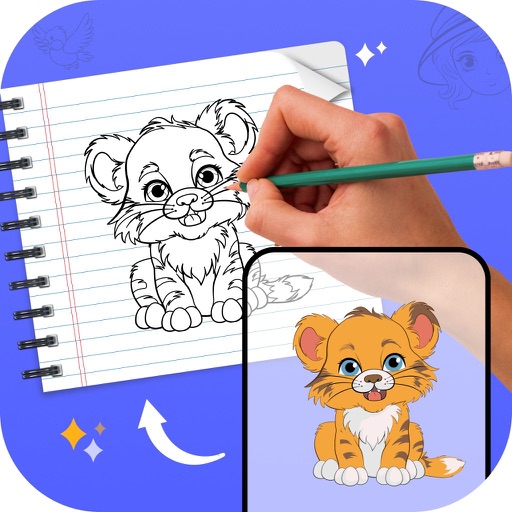
Use your phone camera to draw on any surface. Access templates for animals, cars, and nature. Utilize the built-in flashlight for better visibility. Share completed drawings with friends. Create art using augmented reality technology.
Create drawings using augmented reality by tracing images projected through a smartphone camera. Access step-by-step lessons for various skill levels. Save and share drawings. Adjust brightness and colors for original artwork.
Create drawings and paintings using augmented reality. Project images onto paper and trace them. Choose from diverse patterns and motifs. Color directly on the projected image. Save and share completed artwork.
Use phone camera to project images onto surfaces for tracing. Access templates for drawing and coloring. Color traced images to create artwork. Share finished drawings directly.
Adjust image and crop in inches or centimeters. multiple photos on a single sheet. Preview exact dimensions before sending. Ensure high resolution by checking PPI settings and avoiding stretching below 200-300 PPI.
Use your phone to project templates onto paper for . Upload and create custom art. Access sections for anime, tattoos, and cars. Record video of your process. Sync drawings with AR features for enhanced sketching.
Trace images by importing personal photos or using predefined options. Lock the display to prevent accidental movement. Convert photos to line art for clearer . directly on the converted outline. Export drawings in multiple formats.
Use phone camera to project anime-style templates onto paper or surfaces. Trace outlines to create art. Adjust lines and colors. Export drawings in various formats. Sync with digital tools for further editing.
Create art using augmented reality tools and follow step-by-step artist-led tutorials. Access daily for various mediums like acrylic, pencil, and watercolor.
Create drawings by tracing images from the 's library or photos. Adjust line thickness and color. Add text and graphical elements. Export drawings in multiple formats. Share completed artwork directly.
Use AR to trace and recreate images by aligning with real-world objects. Adjust line thickness and color. Save and share drawings. Access tutorials for improving sketching techniques. Export in multiple file formats.
Draw on physical paper using AR templates for tracing and sketching. Paint and color directly on paper with digital tools. Save and share artwork. Adjust brush settings for pressure sensitivity and stroke control.
Create by tracing virtual projections of photos on paper, easels, or any surface. Adjust drawing tools for precision. Learn drawing techniques with guided tutorials. Save and share finished pieces. Sync drawings across devices.
FITNESS TRAINING GLOBAL ONE MEMBER COMPANY LIMITED
Sketch with AR and AI
AR – Project sketches onto real-world surfaces using augmented reality. objects for precise outlines. AI-powered tools suggest color palettes and brush strokes. Edit layers, adjust opacity, and apply effects.