Retouch portraits by smoothing skin, enhancing smiles, and removing imions. Apply filters for vintage, color toning, and film styles. Adjust color temperature and tone for precise corrections. Export edited photos directly.
AI improves quality, fixes lighting, and sharpens details. AI Unblur converts pixelated or blurry images into clear high-resolution photos. Users can upload photos and apply AI-powered enhancements to restore old memories or refine portraits.
Edit photos and videos with filters, cropping, and background erasing. Create collages by combining multiple images and videos. Add text, stickers, drawings, and textures. Save edited content and plan social media posts.
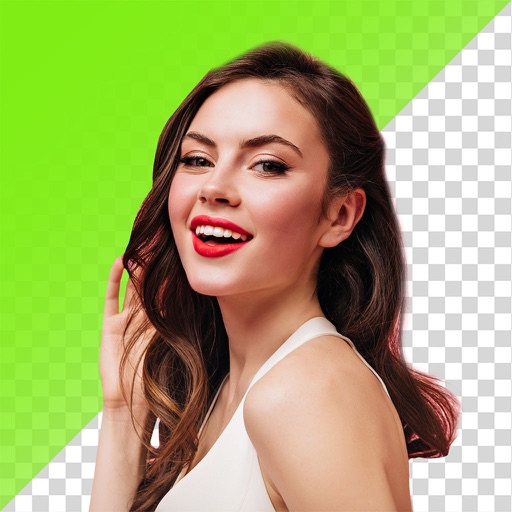
Edit photos by removing backgrounds and replacing them with custom colors. Erase unwanted objects with a single touch. Adjust and enhance images for sharing on social media.
Tag with GPS data including location, address, date, time, coordinates, altitude, weather, and temperature. View map overlays and share geotagged images with precise location details.
Edit images with filters, effects, and background erasing. Add , stickers, and shapes to . Use layers for advanced editing. Access a large font library and sticker collection. Create flyers, posters, and social media content.
Create magical memories by editing photos with AI-powered cleanup, adding cute stickers, and applying dreamy filters. Build milestone albums to celebrate growth and special moments. Share edited photos directly from the .
Objects, people, blemishes, and pimples from photos using AI-powered erasing. Edit images by selecting areas to . Save and share modified photos directly. Subscribe to access advanced erasing features with automatic renewal.
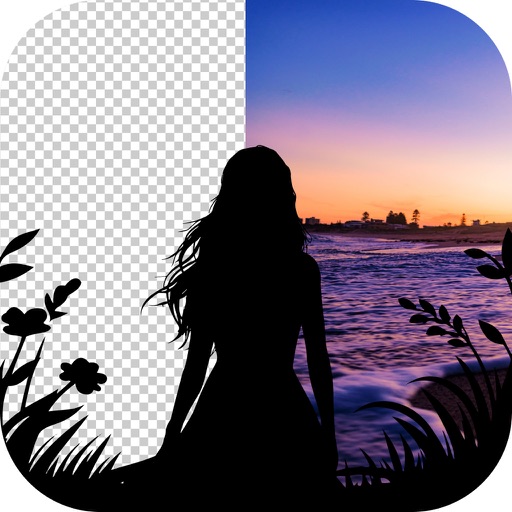
Remove backgrounds using advanced tools like lasso cut out, erase, and unerase. Replace backgrounds with custom images or search for available options. Adjust image position, zoom, rotate, and crop for precise placement.