Custom stickers from photos and videos. Add text, emojis, and effects. Share stickers directly to messaging apps and social media. Edit size and position. Save and organize created stickers.
Type messages using 50+ fonts and send GIFs, emojis, and text via iMessage. Customize themes and replace full messages with abbreviations. Send messages directly from Apple after installing the .
Customize text appearance with font styles, emojis, and text outlines. Adjust keyboard layout and font settings. Create styled text for Instagram posts, bios, stories, captions, and highlight reels.
Send animated emojis to iMessage, Facebook, Messenger, Twitter, Snapchat, and Mail. Choose from a variety of expressive emojis that speak and move. Customize messages with dynamic expressions. Share directly across multiple platforms.
Customize text with 40+ special fonts for , social media posts, and bios. Apply fun or elegant fonts to highlight events or personalize device text. Share styled text across apps and platforms.
Change default keyboard font with customizable options. Select and apply unique fonts for messages, bios, and social media. Create themed keyboard wallpapers. Customize game nicknames and send styled text messages. Sync fonts across devices.
Create messages with customizable fonts, repeated , and rotated words. Adjust letter size with a single click. Input and apply formatting options to generate unique and humorous messages.
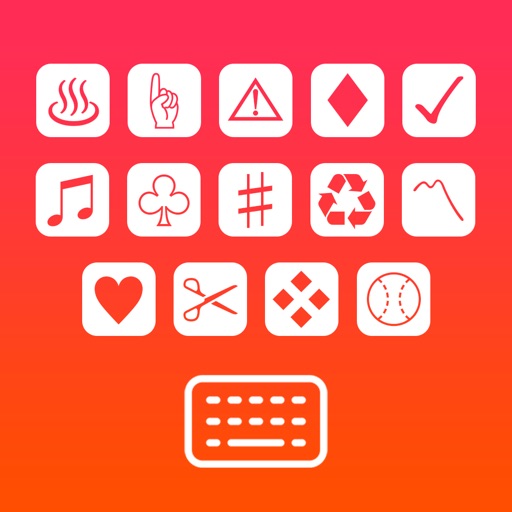
Text symbols keyboard adds special characters, math symbols, and emoticons to messages across all apps. Users can customize symbols, create unique posts, and enhance creativity without data collection or permission requests.
Allows users to browse and apply a wide range of , symbols, and kaomojis. Customize text styles for social media posts, messages, and bios. Save and share personalized across apps like Instagram, TikTok, WhatsApp, and Facebook.
AI assistant helps users generate text, write essays, and create images. It supports brainstorming, document summarization, web searches, and creative writing. Users can chat naturally, set goals, and access tools for productivity and learning.
Create Yes/No stickers to fix or flip messages. Replace text for pranks or corrections. Make custom tapbacks with emojis or colors. Choose from various styles to personalize replies.
Customize appearance with themes, wallpapers, and fonts. Choose from 20+ themes and over 1000 emojis. Set personal photos as backgrounds. Adjust key shapes and font styles for typing.