
Apps Like Magic Craypas for iPhone and iPad
Ranked alternatives
Showing 401–420 of 1,000 ranked alternatives.

Background Eraser - Auto Cut
Liam Sammy
Edit photos and remove backgrounds automatically
Edit photos by removing backgrounds with mode, object extraction, and quick select tools. Use transparent backgrounds for stamps and collages. Share edited images directly with other apps.

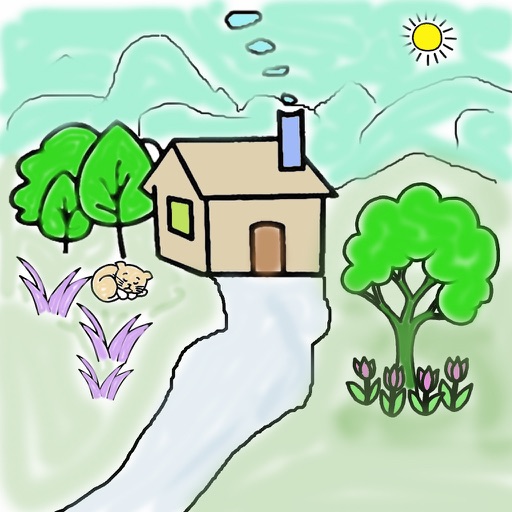

Pastela
Pixiv Inc.
Draw freely with customizable brushes and cloud
Create illustrations with a spacious canvas and customizable screen settings for iPad users. Use a wide range of brushes and tools for detailed drawing. Save work automatically to the cloud and adjust panels for comfort and efficiency.

Doodle Sounds
PICxPIC, Inc.
Draw and play with cute
Allows children to draw using color selection, shape tools, and an eraser. It plays when drawing and includes a random color option. Users can change line thickness and save drawings.
iColoringBook !!! Lite
TaeJin Kim
Draw, color, and decorate easily.
The app provides a drawing and coloring environment. Users can trace photos and color them using various fill options and tools.


ARtville - learn to draw
LUMOS, OOO
Create art with simple tools
Create drawings step by step using pre-designed templates on various themes. Select and customize colors, add text, and save or share completed artwork. Access tutorials and instructional guides to drawing techniques.

ShotText: Filter/Overlay/Text
Turkdogan Tasdelen
Edit photos entirely on device.
The app offers on-device photo editing with AI features like background removal and auto-enhancement. It includes over 38 filters, stickers, text editing, and export options for HEIC, JPEG, or PNG formats.
SimpleDraw
Samuel Li
Classic drawing app reimagined for today.
The app offers a modern interface with a floating menu for tools. Users can adjust line width and save or share their artwork.

Draw for iPad with fingers
Patrick UNG
Draw write share save creations easily.
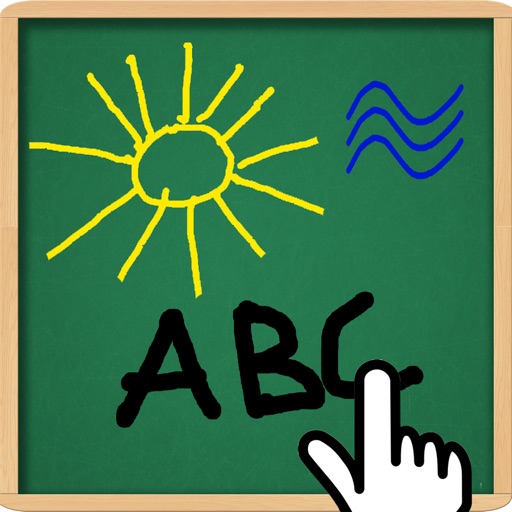
The app allows users to draw and write on their iPad, functioning as a notepad or blackboard. Users can add typed text, choose background colors, and save or share their creations via email or social media.
How we rank alternatives
Apps are ranked by functional similarity, category fit, rating confidence, and popularity.