Organize photos and videos by dragging and dropping into folders. Filter to find duplicates or sort by size. Swipe left to delete and right to keep photos. View in full screen and manage storage space efficiently.
Record short clips and layer them to create datamosh effects. Adjust frame repetition settings for random or ordered playback. Save outputs as images or videos. Fade back to live camera input during data moshing.
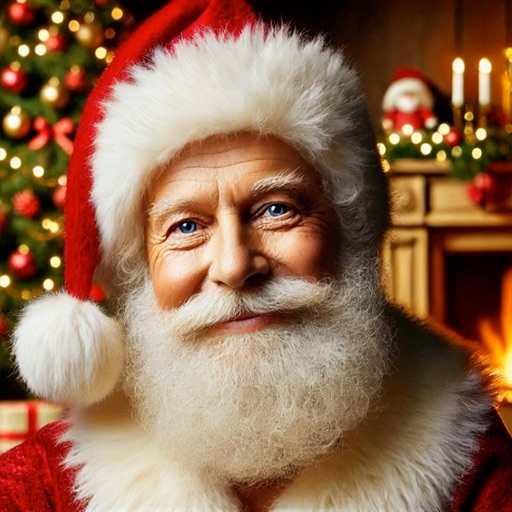
Create personalized Christmas videos with Santa Claus. Input child's name, age, and details about wishes or special moments. Watch Santa record a custom message in a cozy cinematic setting.
Reverse creator allows users to play videos backward and reverse audio. Import existing videos or record new ones. Adjust playback speed and select specific segments. Apply effects to create comedic or artistic outcomes. Share the final directly.
Play as customizable characters with various weapons. Explore dungeons with new obstacles and enemies. Unlock secret areas and bonus levels. Compete in online matches against other players. Team up with NPCs and battle bosses.
Access curated dad jokes with a simple, clutter-free interface. Shuffle decks with one click. Flick through jokes in any direction. Set optional daily notifications to receive jokes regularly. Share jokes with family and friends.
Browse the web privately with an integrated browser. Edit videos by compressing, reversing, muting, or slowing them down. Save edited files directly to device storage.
Add magical to photos and videos with embedded FX, 3D filters, and animated characters. Include unicorns, ponies, butterflies, and snowmen. Use animated emojis and falling hearts for creative expression.
The app provides schedules, standings, scores, notifications, maps, and brackets for soccer events. Directors can enter scores and send weather updates or other important information to subscribers.
The app allows users to add text, captions, and music to videos. Users can select from various fonts, adjust text properties, and place them on the video timeline.
Take photos and videos with 9 customizable effects including smile enhancement, face stretching, and character transformations. Adjust effects on-screen. Share images and videos via email, Twitter, or Facebook.
Create videos by combining photos and videos. Trim and merge media files. Add background music and transitions. Apply filters to enhance videos. Import from photo library. Share on Facebook, Instagram, YouTube, and email.
Create and share photos and videos for social profiles. Add captions and copy them to posts. Use hashtags to increase engagement and follower growth. Edit reels, stories, and posts with an intuitive editor.
The app allows users to create video screencasts from slides and photos. Users can narrate and annotate images and slide decks to produce engaging videos.
Edit videos by cutting, combining, captioning, overlaying, and animating. Use AI tools for auto captions, text-to-speech, music match, and noise removal. Supports 4K at 60FPS. Remove backgrounds and upscale videos with AI features.
Create videos by importing footage from gallery or recording new content. Crop, rotate, pinch-zoom, and set custom background colors. Merge unlimited videos into a single timeline.