
Magic Video Maker: Effects Cam
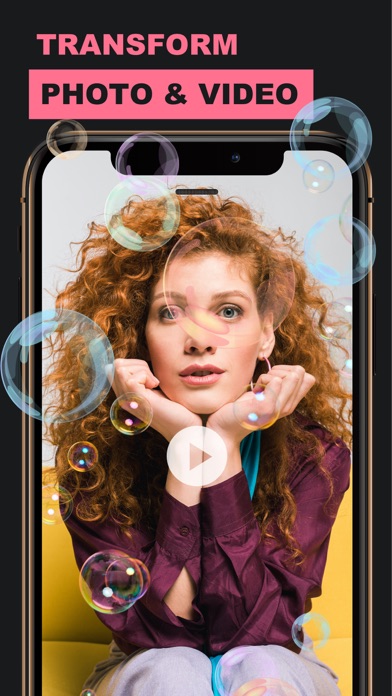
Add magical to photos and videos
Perfectrix Technologies Private Limited
iPhone Screenshots
Description
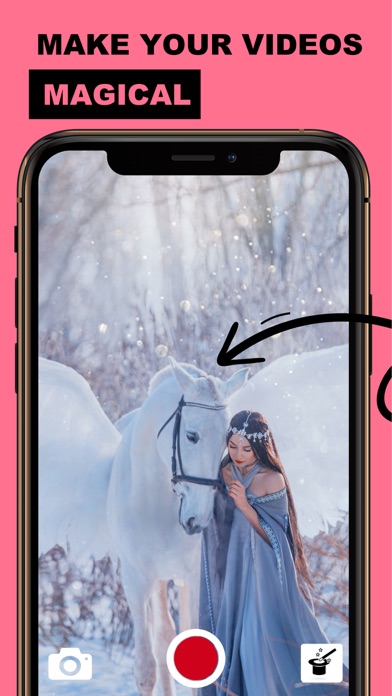
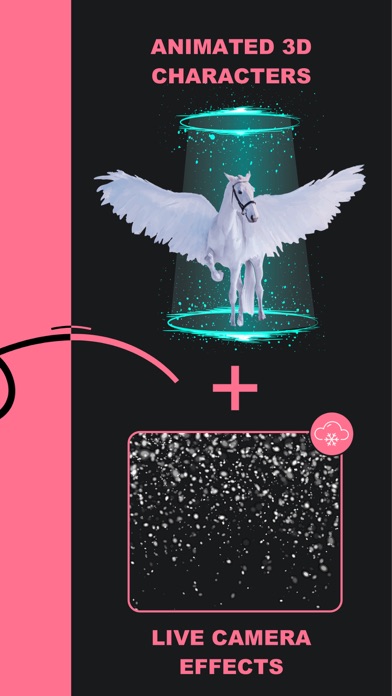
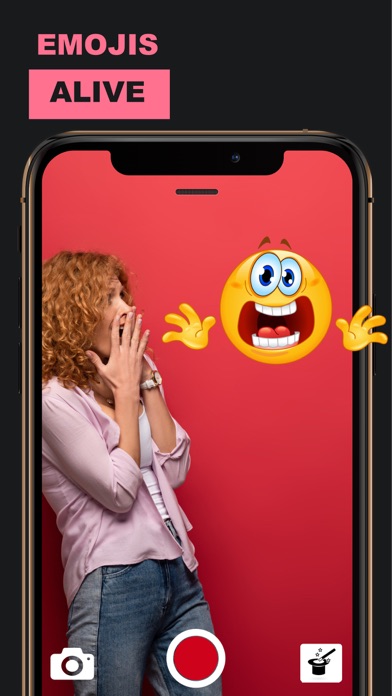
Add magical to photos and videos with embedded FX, 3D filters, and animated characters. Include unicorns, ponies, butterflies, and snowmen. Use animated emojis and falling hearts for creative expression.
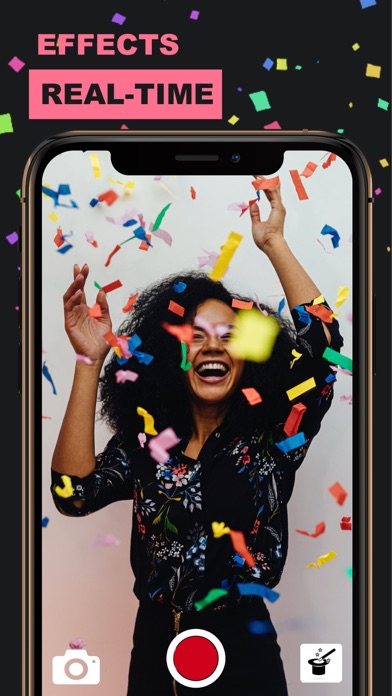
Transform the world around you into something magical! Get Live Video Effects without a green screen.
Embed FX effects, 3D filters, objects and characters to your videos and pictures to add hint of magic to your photos and videos.
Bring living characters such as, Unicorns, Ponies, Butterflies, Snowman, Bunny, etc to life in your local park or your living room.
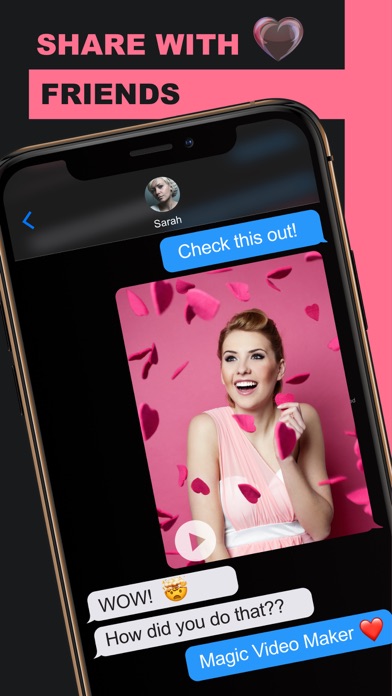
Add animated emojis, face filters and visual effects such as, lovely falling hearts to express yourself with special photos and videos. Action FX such as, Explosions, Lightening are also available.
To use Magic Video Maker
----------------
1) Open Magic Video Maker app.
2) Scan any flat surface such a floor, ground, table, etc, where you would like to place the character or magical item.
3) Select (or add) character/magic using the "magic selector" icon (right-hand lower corner of the screen)
4) Tap to place the character/magic where you like. (repeat 3 & 4 if you would like to add multiple magics simultaneously)
5) Capture a picture or video.
Transform YOUR surrounding into magical world and turn your videos to a work of art!
Read more about our terms and conditions here:
http://perfectrix.com/terms
http://perfectrix.com/mobile-apps-privacy-policy/