Connect to a camera via WiFi to configure settings, capture photos and videos, and edit them directly. Share edited content through integrated sharing options.
Store and organize media with password protection and encryption. Create secure storage areas for images and videos. Use SnoopStopper™ and decoy safes to deter unauthorized access.
Guangzhou Mengdong Information Technology Co., Ltd.
Capture moments with trendy retro filters
Capture photos with artistic film themes featuring retro aesthetics and trendy elements. Apply unique color filters and textures. Customize styles for different occasions. Share edited photos directly.
Connect to compatible devices via BLE. Send reminders over Bluetooth or take photos remotely. Create custom BLE devices like a camera remote or fridge interface for checking shopping lists.
Edit photos with 23 tools including manual adjustments for ISO, shutter speed, and focus. Apply 80 presets and textures. Use built-in camera for manual settings. Export edited images directly. Share photos through integrated sharing options.
Control drones, view real-time video, record photos
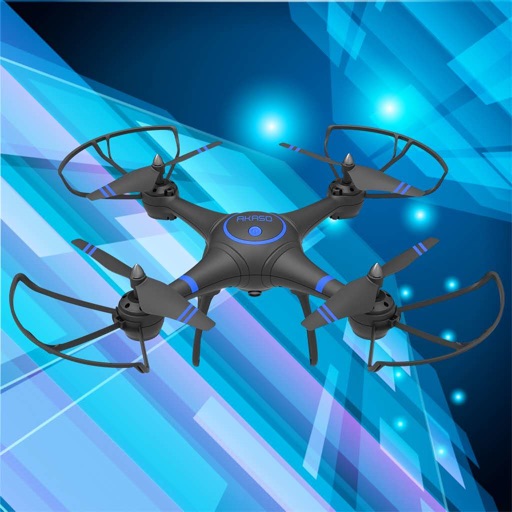
Control a four-axis drone via WiFi. View real-time video feed from the drone's camera. Capture photos and videos using the device. Enable VR mode for immersive viewing. Use voice commands for flight control.
Enhance low- photos with real-time amplification. Adjust between amplification and exposure modes. Capture details in twilight with up to one-second exposure. View enhanced images instantly without additional hardware.
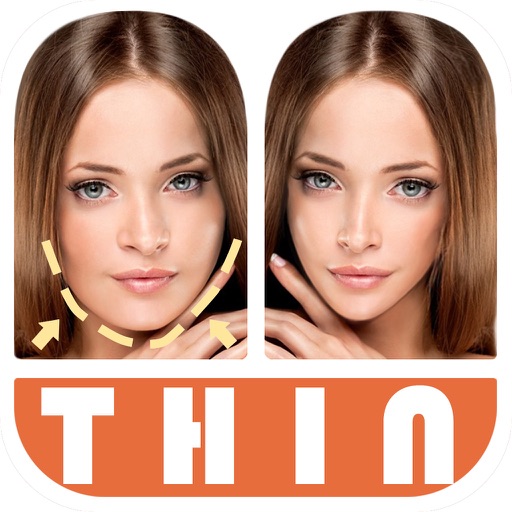
Edit photos by automatically detecting faces and adjusting body shape in four modes: , head, body, and manual. Apply changes to photos from the or library and share the edited images.
Enables manual adjustment of settings such as focal length, exposure, ISO, shutter speed, and white balance. Users can capture photos and videos with precise control.
View live footage, playback recordings, and receive
Access camera feeds via remote connection using P2P, domain, or static IP. View live footage, review recorded videos, and receive push notifications. Control camera settings and manage playback options.
View real-time HD video stream from the drone. Take photos and videos remotely. Adjust gimbal orientation and camera settings in real time. Control drone direction and height. Download and share captured media.
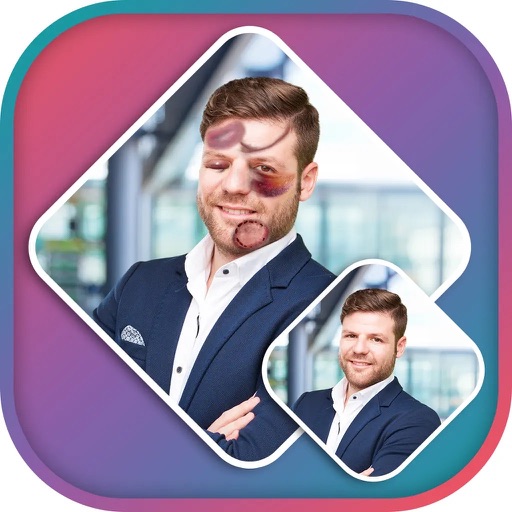
Apply effects to photos using pre-designed styles and stickers. Add -themed overlays and effects. Edit and save modified images directly. Share edited photos through integrated sharing options.
Create photos with customizable . Select from options. Add photos from gallery or capture new ones. Apply filters for enhanced appearance. Include stickers or emojis. Save and share edited images.
Set a for seconds before capturing photos. Automatically take photos at the designated time. Ideal for group shots and family photos. Adjust duration and trigger capture remotely.
Record using both front and back cameras simultaneously. Capture picture-in-picture footage with one camera. Save videos to the photo library for easy management, sharing, and deletion. Enable night mode for improved lighting.