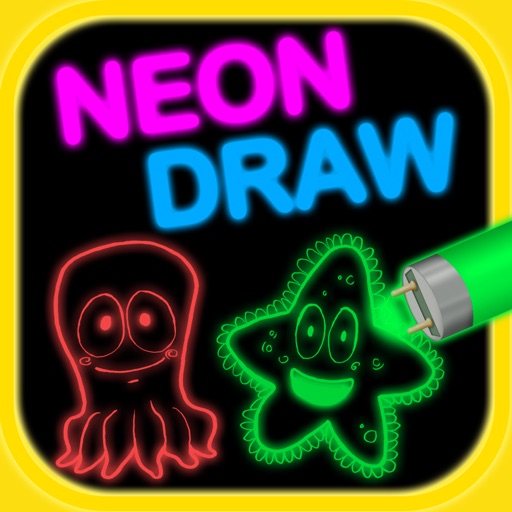
Create artwork using brushes, futuristic backgrounds, and glowing stickers. or paint with finger swipes. Add text and notes with the text editor. Apply effects to photos and over them. Save and share edited images.
The app allows users to take Testing & Balancing reports into the field using an iPhone or iPad. Users can set up sheets, record readings, and synchronize data with a web server for later editing, printing, and emailing.
Track and with quick transaction entries requiring only a category. Use a built-in calculator for amount input. Customize and rename categories, with automatic updates across all records.
Track daily habits and reflections through a series of customizable questions. Set and modify prompts to monitor specific aspects of life. Record responses and review past entries to analyze progress over time.
The app streamlines the user's entire appointments process. It offers features such as SMS text reminders, client notes, and a payments system, and can synchronize with other calendar systems.
Take handwritten notes with low-latency ink that mimics paper feel. Write on an infinite canvas that expands automatically. Save and organize notes in a structured notebook interface. Share notes via email or cloud services.
Record orientation data of planar and linear features using GPS and orientation sensors. Measure bearings and inclinations. Save and export data for analysis. Sync with devices for fieldwork efficiency.