View and interact with 3D STL files. Rotate, zoom, and pan models using intuitive gestures. Inspect details with smooth 3D rendering. Open and explore jewelry designs, engineering models, and CAD files directly on iOS devices.
Build and customize pixel-style models using colored . Create structures like buildings, animals, and dinosaurs. Import reference diagrams to guide creation. Adjust block placement and colors to design unique models.
Create photorealistic portraits from a single selfie using AI. Choose from 200+ templates for different scenes. Upload any image to place the portrait within it. Adjust lighting and facial features for realistic results.
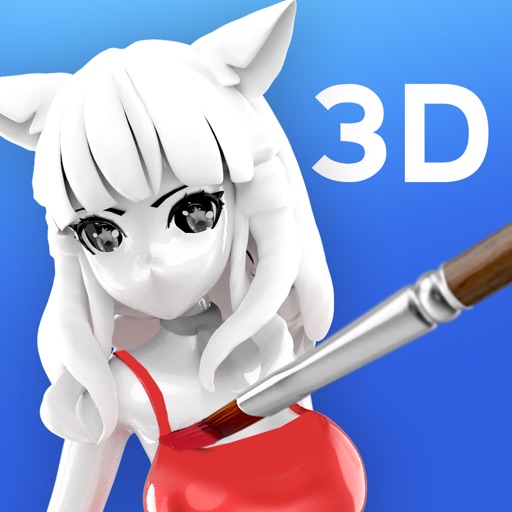
Allows users to color 3D models with HSV/RGB sliders for base, highlight, and shadow adjustments. Features include material controls, instant visual feedback, and saving repeatable color recipes for consistent results.
Create digital art using AI by entering descriptive prompts and selecting art styles. Generate unique images based on text input. Choose from various AI-powered art styles to customize the output. Export and share the generated artwork.
Generate professional photos and realistic fashion visuals using AI. Create AI backgrounds and edit product images to produce campaign-ready content. Turn product photos into high-quality visuals without editing tools or photo shoots.
Generate hyper-realistic images from text prompts. Edit and enhance selfies with AI-powered tools. Create professional headshots, dating profile pictures, and fantasy scenes. Export and share final images in high resolution.
Convert text prompts into AI-generated artwork. Create and customize visual scenes with detailed descriptions. Export and share finished designs in various formats. Adjust colors, composition, and style settings for refined results.
Create images using AI-driven generation. Choose from various artistic styles. Adjust details and colors. Export in multiple formats. Share directly or save for later use.