Upload black-and-white or grayscale images to automatically colorize them using AI. Adjust color accuracy manually. Export edited in various formats. Sync with cloud storage services.
Remove unwanted objects from photos with a single touch. Erase background elements like trash cans or poles. Edit selfies by removing distracting figures. Save and share edited images directly.
Edit photos and videos with nostalgia-inspired filters, textures, and light leaks. Add frames and date stamps. Adjust exposure, contrast, and vibrance. Export edits in various formats and share directly.
Enhance and restore old photos using AI image processing. Adjust clarity, color, and brightness. Remove blur and repair damaged areas. Convert black and white photos to color. Export edited images in various formats.
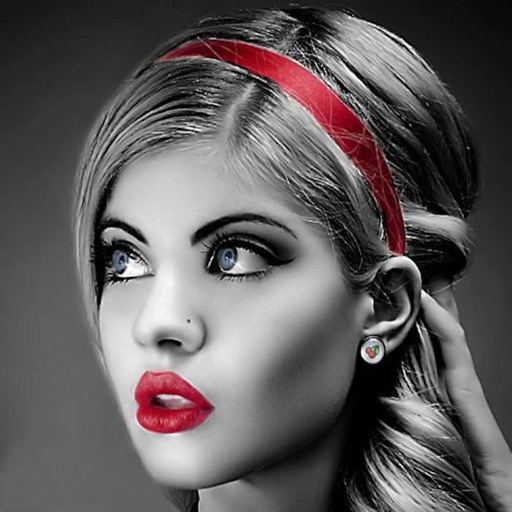
Edit photos with selective effects using gesture controls. Zoom and pan to adjust splash areas. Convert parts of the image to grayscale while keeping selected regions in full . Export edited photos directly.
Apply filters and accessories like mustaches, glasses, and hats to photos of faces. Edit images to transform looks of people or pets. Save edited images to the album. Share edited photos with friends.
The app converts photos to grayscale while allowing users to selectively recolor areas. Users can paint, zoom, and erase to create color splash images.
By applying AI-based colorization, repair, enhancement, and upscaling. Adjust brightness, contrast, and clarity. Remove scratches and red eye. Save and share edited images directly.
Convert photos to black and white drawings for . Import photos from device or camera. Add colors using painting tools. Create drawings on blank canvas. Premium version offers more paint colors, opacity control, and outline editing. Removes ads.
Restore and enhance old black-and-white photos using AI to colorize and animate them. Remove tears and deformations for clearer images. Convert static photos into videos with animated figures. Adjust facial details for improved clarity and realism.
Create custom wallpapers with scaling and resizing options on various backgrounds. Choose from color, gradient, pattern, bokeh, and text effects. Apply parallax effect for all iPhone and iPad devices.
Edit photos with splash effects, convert images to black and white, or apply custom colors. Add filters, zoom in on photos, and use a brush tool. Export and share edited images directly.
The app allows users to create collages for iPhone or iPod Touch wallpaper using a multitouch interface. It offers creative options such as a black-and-white or sepia converter, border addition, and transparency adjustment.
Create and edit drawings using various tools like Pen, Line, Arrow, Rect (Stroke/Fill), Ellipse (Stroke/Fill), Eraser, and Text. Choose from multiple colors including Black, Red, Green, Blue, Yellow, and more. Save or share drawings directly.