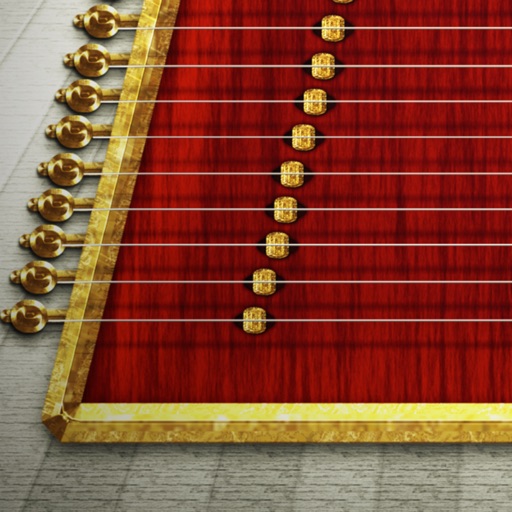
Play the oud with four sound options: Traditional Oud, Middle East Oud, Turkish Oud, and Electro Oud. Adjust microtonal tuning, transpose notes, and apply echo and chorus effects.
by Alper Kahriman★ 5.02 ratingsMusicFreeData updated 2026-09-06
Play the by touching individual strings to produce notes and sliding horizontally for a vibrate effect. Adjust the vibrate intensity by sliding fingers to the edge. Semitone playback is also available.
Learn through interactive gameplay with over 25 popular songs across five genres. Tap instruments and objects to create melodies. Complete levels by matching notes and rhythms. Choose from various musical elements to explore different sounds.
Create by inputting inspiration and selecting a style. AI generates melodies and compositions. Edit and customize tracks. Export in various formats and share directly.
The app offers over 1000 songs from various genres for users to learn on a configurable piano. It helps develop the ability to play by ear, starting with simple notes and progressing to mastering songs.
Create and manipulate audio using synthesis. Import WAV files, record audio, or live-process sound. Adjust parameters for texture, pitch, and timing. Export and share custom audio creations.
The app is a virtual analog synthesizer with a SuperSaw sound emulation. It features two filters per voice with 16 available types and a Morph Group function for parameter modulation.
Tune , , and strings with precision. Select instrument type and adjust pitch using visual indicators. Save custom tuning settings and share tuning results.
Create beats using a drum machine with over 1000 curated sounds organized by frequency and length. Edit grooves in banks like Hip Hop, Trap, and AfroBeats. Adjust rhythms and export projects for use in music production.
Allows users to play notes with customizable layouts and multiple notes on screen. It includes music theory integration for note identification and chord recognition. Users can adjust key signatures and scale modes.
Turn your iPhone or iPod Touch into a musical instrument. Select chords and strum strings with fingers to create arpeggiated sounds. Edit and share songs, use MIDI support, and transpose notes with in- purchase.
Create and customize MIDI sequences with scale selection, complexity settings, and step controls. Generate random patterns and melodies. Adjust pitch, transpose, and set playback motion. Export patterns or use Infinity mode for continuous generation.
Listen to radio streams featuring Deep Music, Minimal Music, Techno Music, Progressive, Dance, Electro, Trance, and Chillout. Browse station listings and switch between playlists. Stream music directly without downloads.