Play the oud with four sound options: Traditional Oud, Middle East Oud, Turkish Oud, and Electro Oud. Adjust microtonal tuning, transpose notes, and apply echo and chorus effects.
by Alper Kahriman★ 5.02 ratingsMusicFreeData updated 2026-09-06
Convert into music by analyzing hues, saturation, and brightness to generate mode, scale, chord progression, and melody. Display animated visuals synced with the music. Share the resulting multimedia content.
Create and customize music with 139 sound presets including piano, guitars, ethnic instruments, and synths. Access 29 guitar tuning presets and 14 musical scales for composition. Adjust pitch, volume, and effects in real time.
Create and edit songs by dragging and dropping chords. Transpose songs to any key. Generate print-ready PDFs. Analyze and display fingerings for chords, scales, and arpeggios.
Train musical ear by identifying scale degrees through sustained drones. Practice melodies by playing them on your device. Receive instant feedback on accuracy. Customize training sessions with different keys and difficulty levels.
Edit guitar tones wirelessly via Bluetooth. Adjust modulation, echo, and reverb parameters. Access advanced settings for detailed tone shaping. Control amplifier functions from a mobile device.
Adjust audio signals with noise gate and low-pass filtering. Use 6 preamp models and 3-band tone stack. Apply flanger, chorus, and phaser effects. Add echo, delays, and reverb. Mix impulse responses and adjust power amp settings.
And arrange , bass, and drum parts in compositions. View and edit tablature for and drum parts. Use MIDI and Inter- Audio instruments for background sounds. Build harmonies and visualize note relationships.
Play and control music with realistic sound and authentic oriental rhythms. Access , , Azeri, and Iranian styles. Unlock advanced features via purchase. Adjust volume and tempo. Save and share compositions.
The app processes and synthesizes live voice for music creation. It offers tools like vocoders, auto pitch, and harmonizing pitch shift for diverse vocal effects and soundscapes.
Practice musical instruments from Sky: Children of the Light with interactive lessons and real-time feedback. Track progress with session history and skill levels. Adjust tempo and difficulty to customize practice sessions.
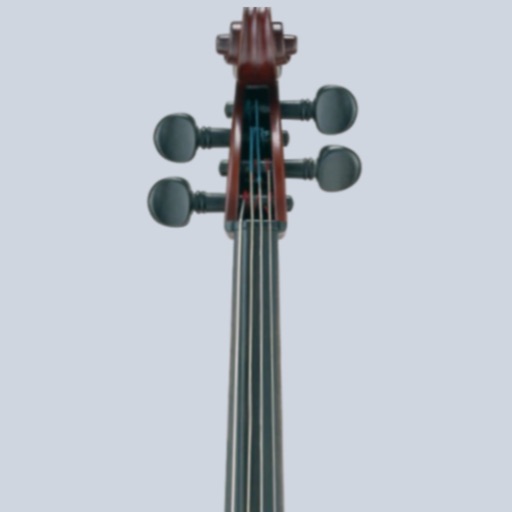
Tune cellos to standard pitch with a visual needle and audible notes. Switch between automatic note detection and chromatic modes. Adjust tuning settings for precise pitch accuracy.
Play and record melodies using touch controls. Adjust pitch and volume. Access instructional guides for beginners. Save and share recordings. Explore different playing techniques and sound variations.