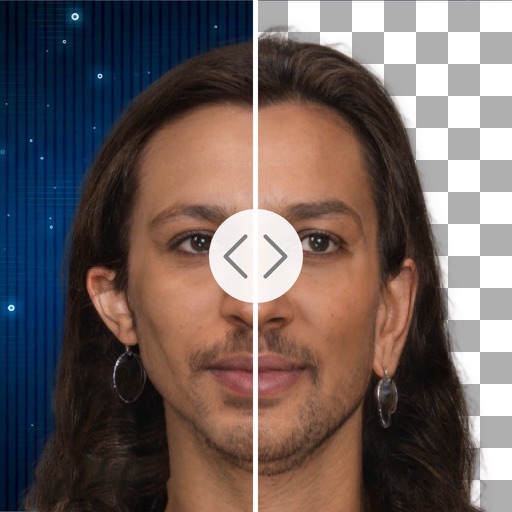
Apps Like Background Removal&merge for iPhone and iPad
Remove backgrounds with a tap
Remove backgrounds with one-tap AI detection. Adjust edges and transparency manually. Replace backgrounds with solid colors or images. Export edited photos in high resolution.
by Yu Abe★ 3.01 ratingsPhoto & VideoFreeData updated 2026-09-06
Remove unwanted objects from photos using AI-powered erasing and background replacement. Edit images by cropping, adjusting brightness, and applying filters. Save and share edited photos directly from the .
Remove backgrounds with a single tap. Replace with 800+ virtual templates. Export as transparent MP4 with alpha channel. Adjust resolution to 16:9 or 9:16. Position and scale the top layer transparent .
Remove backgrounds from photos to create transparent images. Highlight the subject and replace the with a new image. Adjust transparency and export the edited photo.
Image backgrounds quickly by uploading single or multiple files. Automatically detect and backgrounds in seconds. Adjust background color, make it transparent, or replace with a solid color. Save or share edited images directly.
Remove backgrounds from photos with AI-powered detection. Select transparent, white, or custom backgrounds. Edit images by removing people, faces, products, animals, text, and objects. Export edited images in various formats.
Create graphics, edit photos, and design videos with customizable templates. Add text, shapes, and effects. Generate videos from text using AI. Export and share across platforms.
Edit photos by removing objects, erasing backgrounds, enhancing quality, expanding canvas, or replacing elements. Generate new images with AI filters. Perform basic edits and apply creative AI effects. Save and share edited photos directly.
Remove photo backgrounds using intelligent erasing tools. Select and eliminate specific colors or objects. Make backgrounds transparent for use in collages or stamps. Export edited images for further editing or sharing.
Remove backgrounds from images using AI technology. Adjust and replace backgrounds with white or custom colors. Export edited images in various formats. Share directly from the .
Remove backgrounds from photos using AI. Select images from the gallery, automatically detect and cut around people or objects. Save as transparent PNG or replace with HD backgrounds. Edit and share edited photos directly.
Edit photos with AI-powered tools like face swap, background removal, and object removal. Enhance image quality with the quality enhancer. Convert images to video. Use the AI agent for generating photos and editing concepts.
Add vibrant color to specific image areas using the Color Splash Effect. Adjust intensity and placement. Export edited in various formats. Share directly from the .
AI automatically detects and removes , people, and backgrounds from photos. Users can edit photos with skin whitening, acne removal, body reshaping, object erasing, background changes, cropping, text addition, and filters.
AI photo editor allows users to remove objects, people, and text from images. Change backgrounds and retouch photos with AI tools. Edit faces and create avatars. Export edited images in various formats.
Unwanted or background clutter from photos using AI-powered erasing. Reconstruct the background to fill in removed areas. Edit and enhance images with advanced AI technology. Save and share edited photos directly.
Remove objects from photos using AI-powered tools. Erase watermarks and unwanted elements with precision. Enhance image quality and clean up pictures effortlessly. Edit photos without complex skills. Export edited images in various formats.
Edit photos and videos with AI retouch for detailed skin enhancement and blemish removal. Adjust lighting, color, and composition. Add text, stickers, and filters. Export in various formats and share directly.
Create videos with AI tools. Add automatic subtitles from audio or . Convert text to speech with one tap. Apply unique AI voices to audio. Get song recommendations. Remove backgrounds around people and faces.
Remove unwanted elements from photos such as people, acne, buildings, lines, and backgrounds. Edit images by selecting and deleting specific objects. Export edited photos in standard formats.