Devices remotely to manage apps and channels. Use a built-in keyboard for searching and browsing. Navigate with advanced features. Access all apps and manage multiple devices with a premium subscription.
Control TV playback with shortcuts, widgets, or Siri. Discover devices on your network automatically. Use private listening on Mac and iOS. Sync with Apple devices via keyboard shortcuts and volume controls.
TV functions from an iPhone, including volume, input switching, and channel navigation. Cast videos and photos to the TV. Access a unified interface for managing media playback and device settings.
Allows users to control TVs via Wi-Fi. It detects TVs automatically, navigates channels, and accesses default system tabs. Users can manage playback, adjust settings, and mirror content from iOS devices to TVs.
Control TV power, volume, and channels with single-tap commands. Navigate menus using a built-in keyboard or touchpad. Pair with Apple Watch for remote control. Manage multiple TV brands via WiFi.
View an interactive map of all Superchargers globally and locate the nearest one. Check charging power, operating hours, and accessibility details for each . Get precise directions and real-time availability updates.
Check hero stats, abilities, talents, and bios. View item stats, prices, and lore. Access game data and galleries anytime. Email support for assistance.
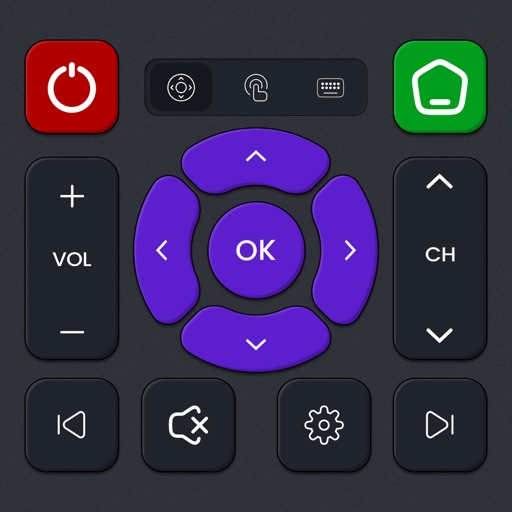
Smart TV functions with on-screen buttons and voice commands. Navigate menus, adjust volume, and change channels. Pair with multiple devices and customize button layouts for different TVs.
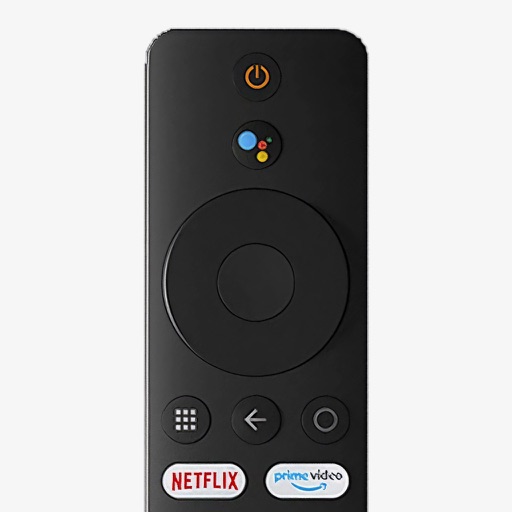
Control your Mi Box with full remote functions including volume, power, and navigation. Manage apps by opening, closing, and switching them from your phone. Use voice search to find content and control playback.
TV with on-screen buttons and voice commands. Play media files from phone on TV. Use sleep timer and built-in media player. Shake phone to play or pause content. Access photos, videos, and music directly.
TV from an iPhone or iPad using the same WiFi network. Discover and connect to the TV device within the . Full functions including channel navigation, volume adjustment, power , and launching.
TV volume, channels, and playback from a smartphone or tablet. Adjust brightness and contrast. Navigate menus and access settings. Pair with multiple devices and manage playback functions.