Convert PDF files to high-quality JPG or PNG images instantly. Import PDFs from any or cloud service like Google Drive, Dropbox, or Box. Select specific pages to export. Save images directly to . Share converted files with a single tap.
Converts images and scanned documents into editable . Recognize from photos, handwritings, and scanned files. Save and share in formats like Word and Excel. Sync across mobile, tablet, and computer devices.
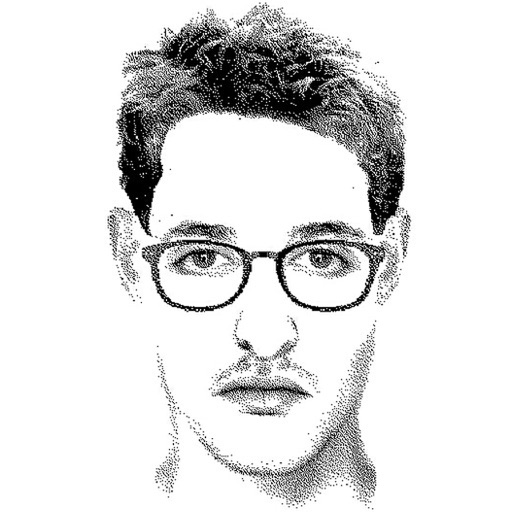
Create detailed facial sketches by customizing elements like eyes, nose, mouth, hair, and glasses. Move and resize features freely. Save, load, and export sketches as JPEG images.
Select multiple photos to convert into a single PDF. Reorder pages or delete individual images. Choose from preset page sizes like A4 or Letter. Adjust orientation as needed. Export the PDF to share or save directly.
The app allows users to copy images from a MAC or PC to an iOS device's Camera Roll. Users can then import all images into their Camera Roll, and they will be deleted from the app.
Guangzhou Zhumeng Information Technology Co., Ltd.
Convert images to PDFs offline
Convert photos, Word documents, and JPG images into PDFs. Edit resolution settings for quality control. Merge multiple images into one PDF. Save and share converted files directly.
Convert images to using OCR technology. Scan and translate from images and PDFs. Edit scanned and share results via email or messaging. Supports multiple languages and integrates with cloud storage.
Monitor websites for content, code, and image changes. Receive push notifications and email alerts based on custom criteria. Archive full-page snapshots and PDF/text files. Share monitoring tasks with team members.