
iPhone Screenshots


Description
Photo Saver app lets you easily copy your images from any MAC/PC to iOS Device's Camera Roll.
Nothing Complicated, Nothing Extra.
STEPS:
1) Install Photo Saver App on your Device
2) Connect your Device with MAC or PC & open iTunes
4) Copy your images to Photo Saver app
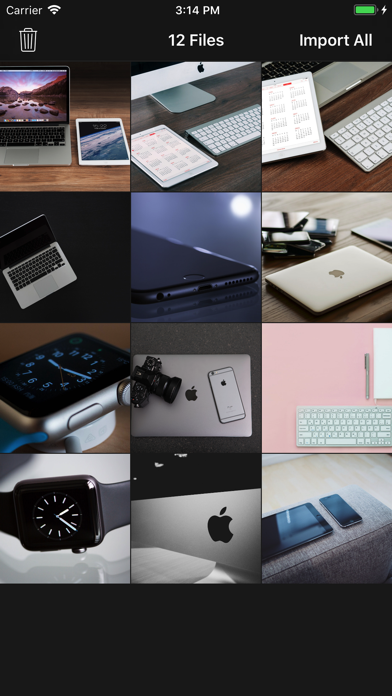
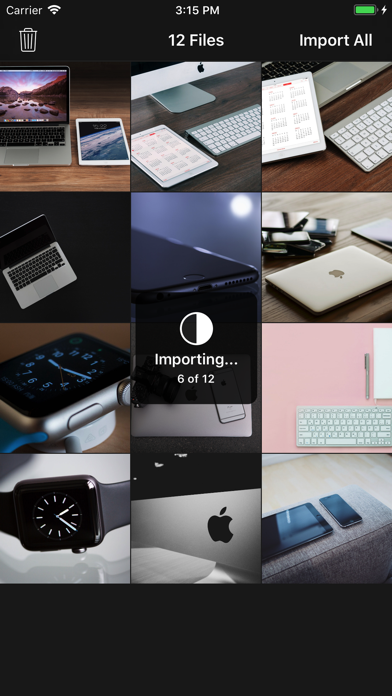
5) On you device, Open Photo Saver app & Click "Import All"
--All images will be stored in Camera Roll & Deleted from Photo Saver App