Apps Like Remote for Android TV - ZEUS for iPhone and iPad
Control your TV with swipe or D-pad
Control TV remotely using a smartphone. Navigate with D-pad or swipe gestures. Type on the TV using your phone's keyboard. Access apps and websites with single taps. Customize order and connect to multiple TVs. Add custom apps and websites.
by TVAPP Media UG (haftungsbeschraenkt)★ 4.9254 ratingsUtilitiesFreeData updated 2026-09-06
Control systems with functions including Genie and RVU support. Navigate full-screen menus, set bookmarks, view program details, share content, and access community features. Check system compatibility with Lite before purchasing.
Control TV with full functionality. Access default channels via a system tab. Connect iOS device and TV to the same Wi-Fi network. Adjust volume, navigate menus, and select channels. Manage playback and input sources.
Control TV and Box Player with a universal . Adjust channels, navigate menus, and cast content to TV. Mirror screen for streaming. Connect via Wi-Fi or IR for wireless operation.
Control devices such as TVs, speakers, and lights. Switch scenes and manage device states. Adjust settings for individual devices. Create custom scenes for different activities. View device status and history.
Control audio mixing consoles remotely via iPad. Adjust levels, EQ, and effects from anywhere in the venue. Access real-time monitoring and automation features. Integrate with Harman HiQnet® Ethernet port using a wireless router.
The app transforms a smartphone or tablet into a remote for the Razer Forge TV. It offers touch navigation with a D-pad and swipe gestures for controlling the micro-console.
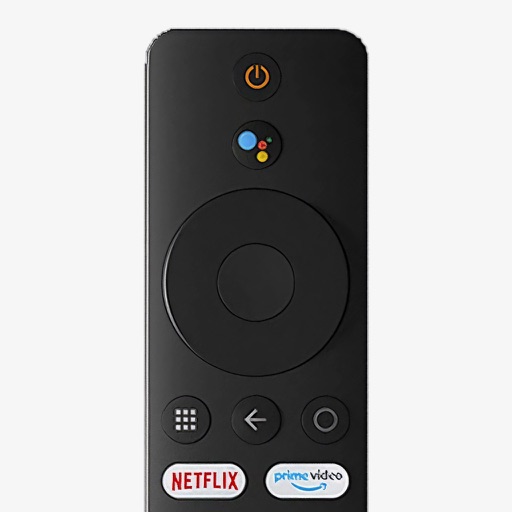
Control your Mi Box with full remote functions including volume, power, and navigation. Manage apps by opening, closing, and switching them from your phone. Use voice search to find content and control playback.
The app allows users to download videos from an iPhone to a PC or smartphone via WiFi. It converts videos to MP4 format for playback on various devices, including Mac and Android.
Control LG webOS TV with a mobile , replace lost functionality. Launch TV apps directly from the . View and manage installed TV apps. Navigate channels and settings without a physical .
The app streams music, video, photo, and data files over Wi-Fi from storage media to mobile devices. It supports USB flash drives, 2.5” hard disk drives, and SD cards, and includes a one-touch phone backup feature.
Enable device connectivity via Bluetooth and Wi-Fi. Control paired devices remotely. Manage network settings and troubleshoot connections. Monitor battery usage and optimize performance.