Edit photos and videos with AI-powered face detection and moving object tracking. Anonymize videos by removing faces without uploading data. Crop, adjust colors, and apply filters. Export edited media directly to social platforms.
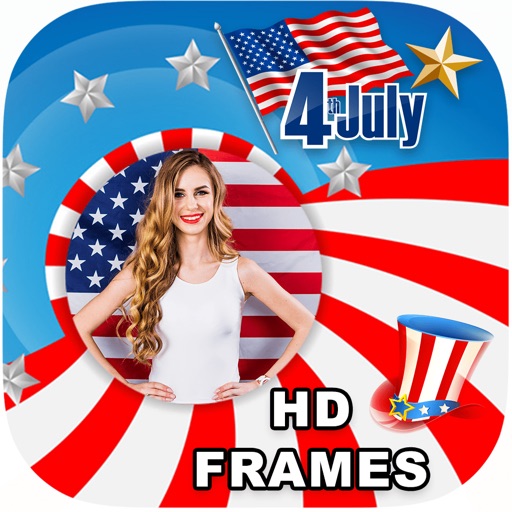
Edit photos with filters, select and apply Independence Day , add text with customizable font style and size. Share edited photos via social links. Set color options and arrange images in sets.
Create pixel art with automatic double pixel removal for precise line art. Use round, square, and matrix dither brushes. Draw lines locked to isometric angles. Create rectangles and ellipses. Manage layers for animated projects.
Use the to capture or select a reference image for painting. Adjust the canvas size to match the chosen window. Access grid options like the golden ratio or use no grid.
Create art with a complete toolset including layers, timelines, and advanced coloring. Edit spritesheets, GIFs, and game assets. Use touch or pen for optimized drawing. Render with high-performance Metal technology.
Annotate images with tools like arrow, rectangle, circle, text, and magnifier. Import photos from library, camera, or map. Export with custom sizes and share. Customize colors, undo changes, and manage layers. Crop images and save history sessions.
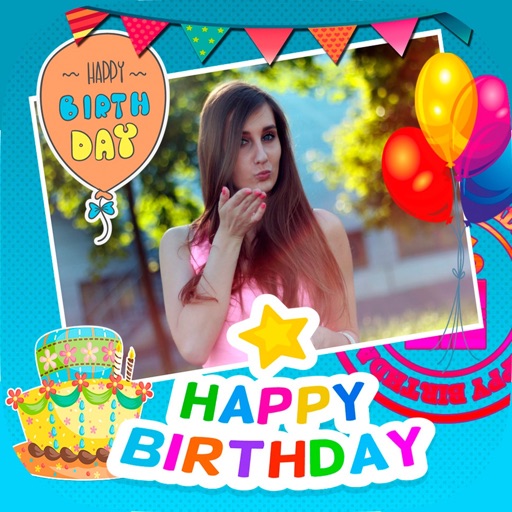
Create greeting cards by selecting from the gallery or taking new ones. Choose from various and adjust with zoom, rotate, and move features. Send customized cards to friends and family.
Edit photos with filters, filter mix, and creative shape effects. Apply mirror and mask tools. Create photos without cropping. Design grids and add funimate effects. Share directly to Instagram.