Create a photo list from your library or camera, sorted by date. Tap a photo to open a map and navigate to its location. Swipe left to remove photos. Add new photos by tapping the '+' button.
by Annie Wang Publications★ 5.02 ratingsNavigationFreeData updated 2026-09-06
Store and organize photos with monthly themed story boxes. Print 4”x4” lustre photos with free white borders. Add captions to document context. Subscribe for monthly deliveries or close boxes anytime.
Merge multiple photos into a single artwork by selecting and combining image sections. Remove or re-add parts using finger painting techniques. Adjust brush settings for precision.
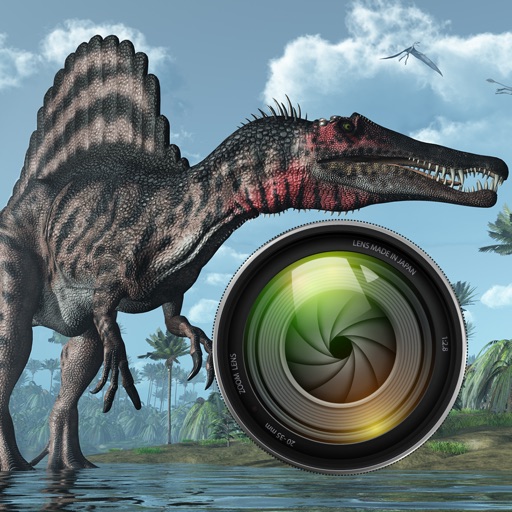
Add dinosaurs to photos with tap-to-place features. Choose from over 60 species including Tyrannosaurus, Pteranodon, and Stegosaurus. Adjust positioning and scale. Export edited images directly.
Edit photos with retro filters and . Add antique textures and color adjustments. Apply nostalgic styles for a timeless look. Save and share edited images directly.
Turn photos into 12 styles with adjustable edge thickness. Add stickers before or after cartoonization. Save and share the edited image. No internet connection required.
Edit photos with AI-powered enhancement, unblurring, and sharpening. Remove objects and restore old images. Convert photos to pixelated or HD formats. Create AI-generated cartoons. Share edited images directly.
Merge photos into artistic compositions by selectively editing and combining image elements. Remove or re-add parts using finger painting techniques. Adjust brush settings for precise control.
Create cards with customizable templates and add personal messages. Edit photos by adding items like flowers, presents, and frames. Organize and share memory collections with friends and family.
Edit with filters, stickers, and emojis. Create photomontages with built-in effects. Apply artistic tools for detailed edits. Add with customizable fonts and colors. Export and share edited images directly.
Create photos with customizable . Select from options. Add photos from gallery or capture new ones. Apply filters for enhanced appearance. Include stickers or emojis. Save and share edited images.
Record with one tap, capture high-resolution video without ads or watermarks. Include system audio and microphone input. Edit recordings with trimming, cropping, and effects. Export videos to photo library.
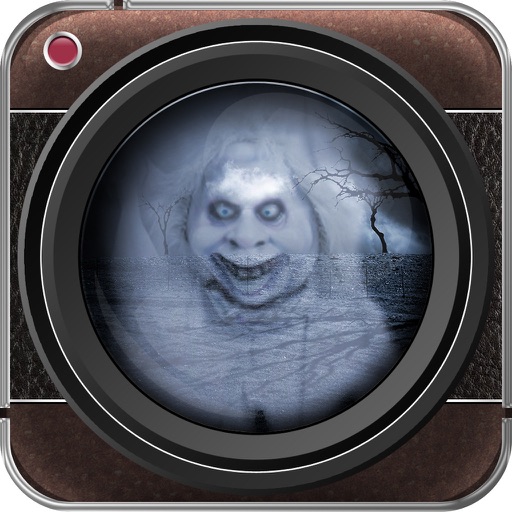
Add spooky ghosts to photos using a selection of effects. Edit images by placing ghosts in specific areas. Share edited photos directly with friends or via social media. Take new photos within the or import existing ones from the photo library.
Select photos from gallery or photo library. Choose from numerous PIP frames. Use single image for both foreground and background or different images for each. Edit foreground and background separately. Apply photo filters.
Track your car's location in real-time to locate it easily. Monitor speed live while driving. Receive alerts for speed cameras to avoid fines. spots and receive notifications when your car is moved.
Photos by tapping to automatically backgrounds or specific objects using AI. Select images from the library or camera. Adjust intensity and apply effects to hide unwanted details. Export edited photos directly.
Remove unwanted objects from photos with a single touch. Erase background elements like trash cans or poles. Edit selfies by removing distracting figures. Save and share edited images directly.