Create a photo list from your library or camera, sorted by date. Tap a photo to open a map and navigate to its location. Swipe left to remove photos. Add new photos by tapping the '+' button.
by Annie Wang Publications★ 5.02 ratingsNavigationFreeData updated 2026-09-06
Edit photos to create intense or soft atmospheres with adjustable settings. Select specific areas for coloring. Use zooming, brush size, and style tools for detailed modifications. Import photos from iPhone/iPod photo album.
Edit photos by selecting from the gallery or capturing new ones. Apply various and effects. Adjust position, size, and angle. Save edited images and share via social media, email, or messaging apps.
Edit photos by selecting from the gallery or capturing new ones. Apply various and effects. Adjust position, size, and angle. Save edited images and share via social media, email, or messaging apps.
Edit photos with filters, cropping, and adjustments. Search albums by describing photos in natural language. Swipe left or right to delete or keep photos. Manage albums with intuitive gestures. Share edited photos directly.
View photographs with map locations and GPS data. Explore camera settings and AR features. Access an online gallery with new photo notifications. Purchase prints in-. Share images directly.
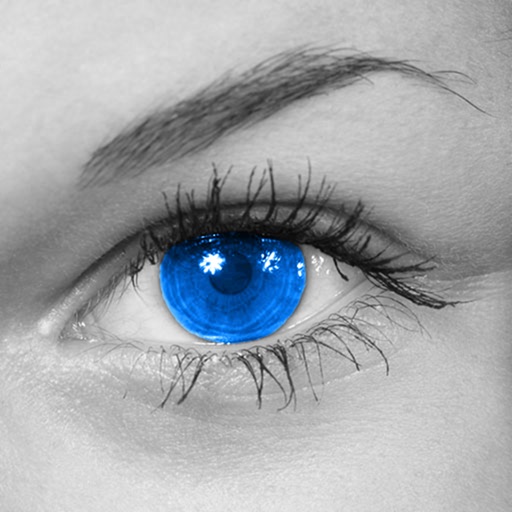
The app converts photos to grayscale while allowing users to selectively recolor areas. Users can paint, zoom, and erase to create color splash images.
Edit photos by selecting from the gallery or capturing new ones. Apply various and effects. Adjust image position, size, and angle. Save, share, or upload photos to social media platforms like Facebook, Twitter, and email.